
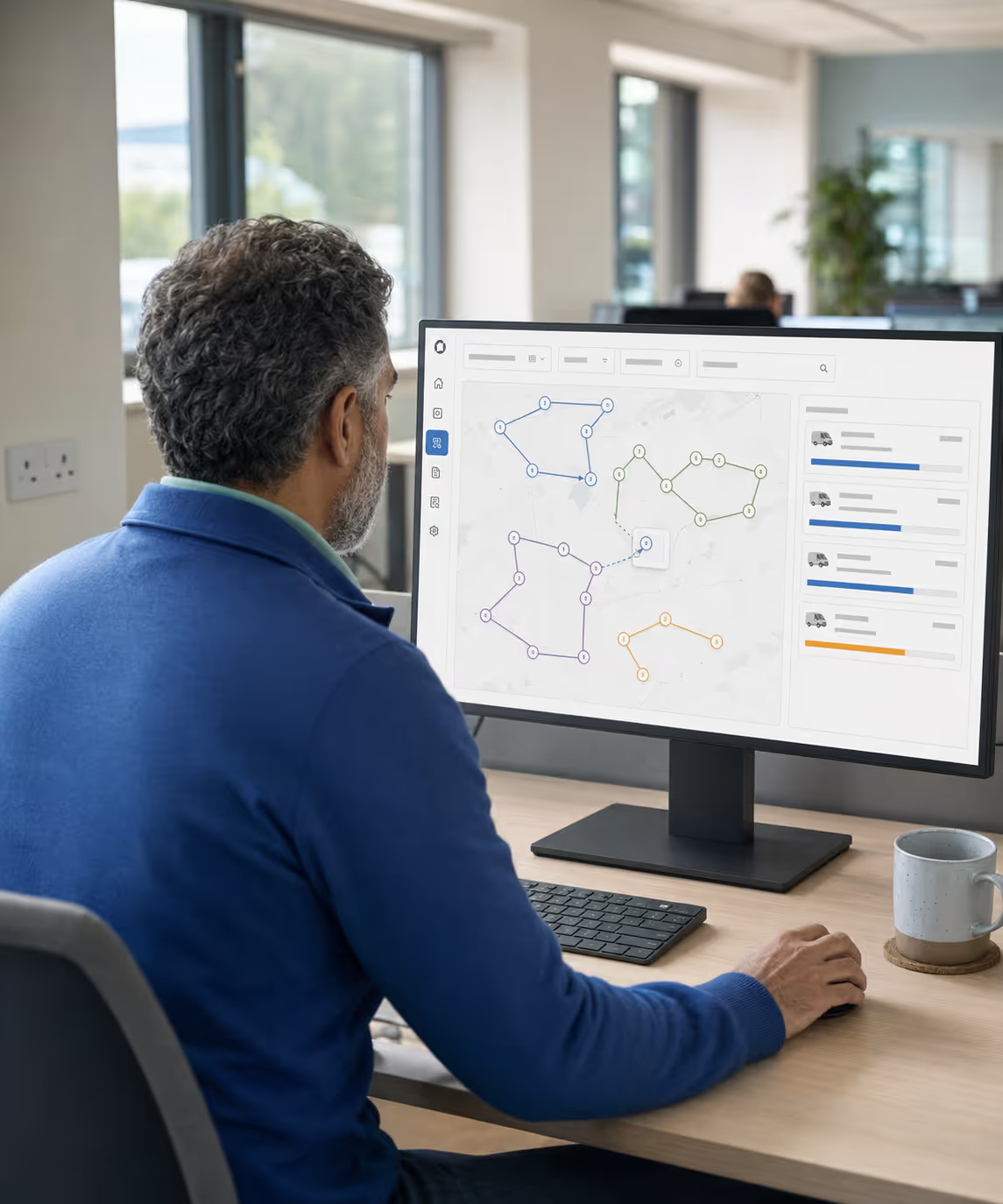
−18% driving miles
vs unoptimised draft · time windows kept
142 stops re-sequenced
Route planning software decides which vehicle goes where, in what order, and whether the day’s work actually fits. It answers that before the vans are loaded, rather than after a driver runs out of hours.

















The same patterns show up across distribution operations still planning by hand, and at least one of them is yours.

Standing orders, telesales additions and portal orders land in three places. The planner pulls them into a spreadsheet, eyeballs the territory, and the vans roll out late.

Drivers know their patch and re-sequence the manifest in the cab. Distance, time windows and capacity stop being constraints; fuel and overtime stop being predictable.

Dispatch spends the day on the phone telling customers when the van will arrive and chasing drivers for an ETA. Exceptions surface after the fact, never in time to fix.

Regional rounds, multi-day route circuits and shift handovers get pieced together across calendars and Post-its. Driver hours, vehicle capacity and territory all leak.
Back-office route planning and optimisation software for route-based work: fill the van, sequence the stops, track every move.

Per-customer visit frequency drives the route scheduling, so standing orders auto-build the day’s multi-drop manifest. Planners touch the exceptions, never the routine.
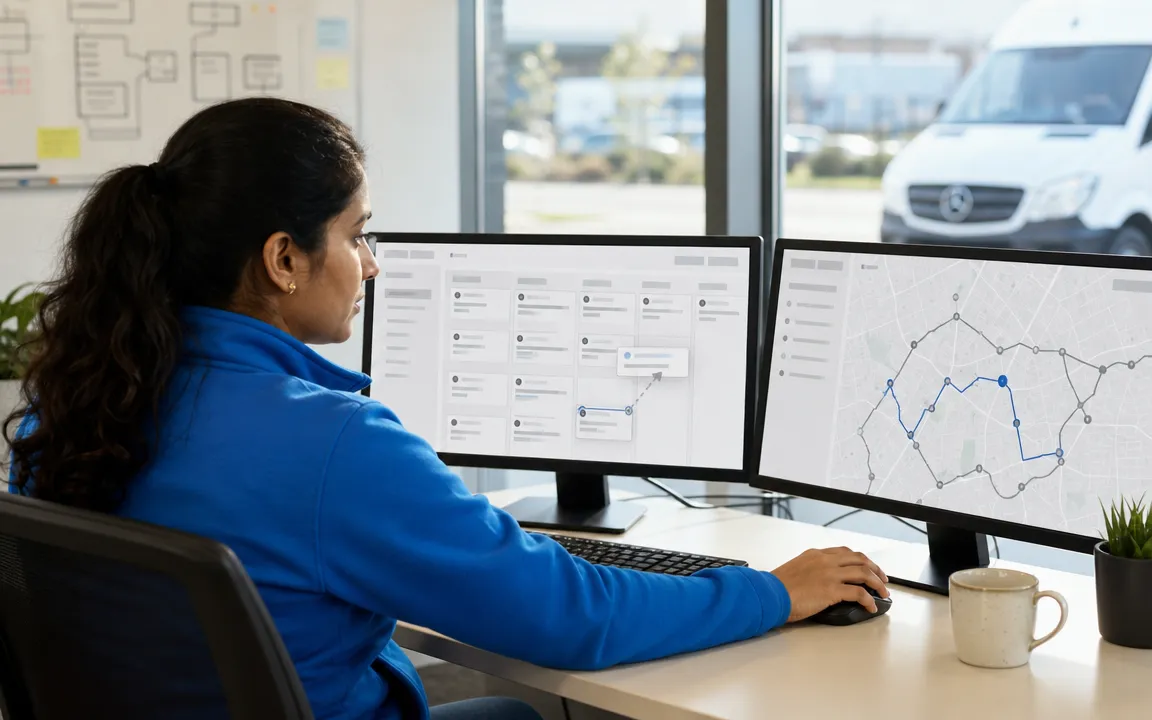
A drag-and-drop board for multi-drop route planning spans every van and day, with capacity, territory and time windows shown at a glance. Territory planning is built in (customers auto-assign within their map boundaries), and you rebalance the round with one drop.
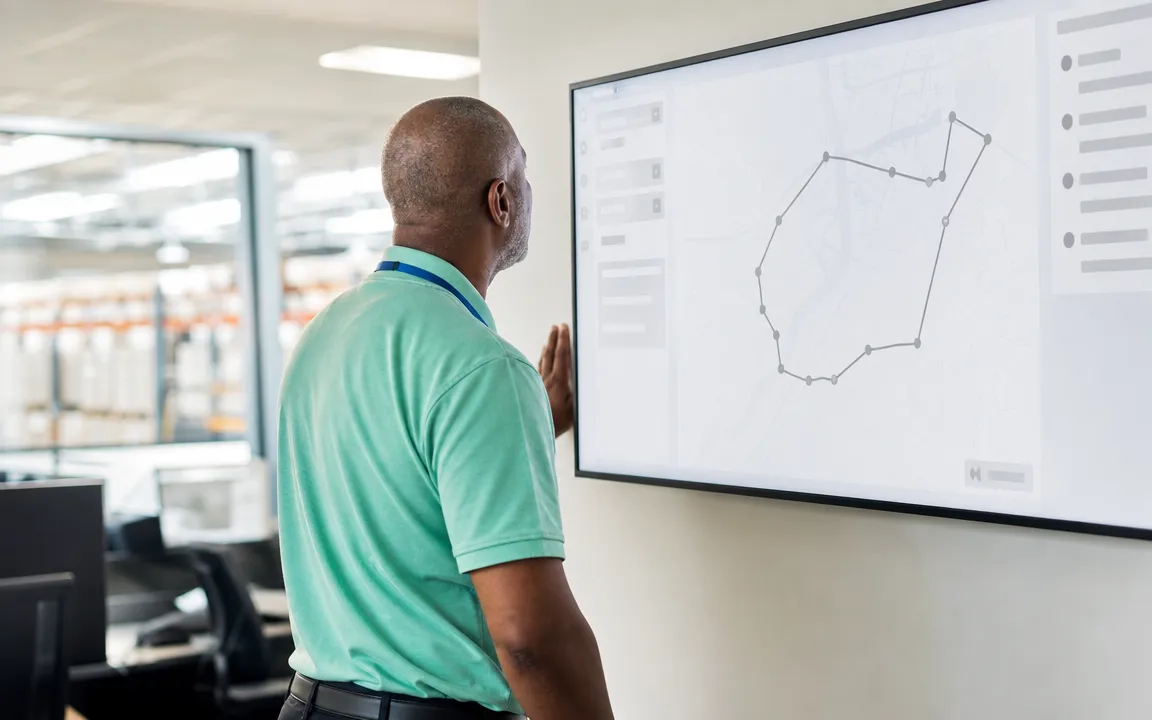
Route optimisation software solving the vehicle routing problem with GraphHopper VRP: every stop sequenced to cut driving distance while respecting time windows and capacity. Delivery route optimisation that takes a minute, not an afternoon.

Delivery routing handed off in one move: locked routes push straight to the warehouse pick screen and the driver app, generating load orders. It is the transport-planning step UK distributors used to run on a spreadsheet. The driver now sees the round on the first tap.
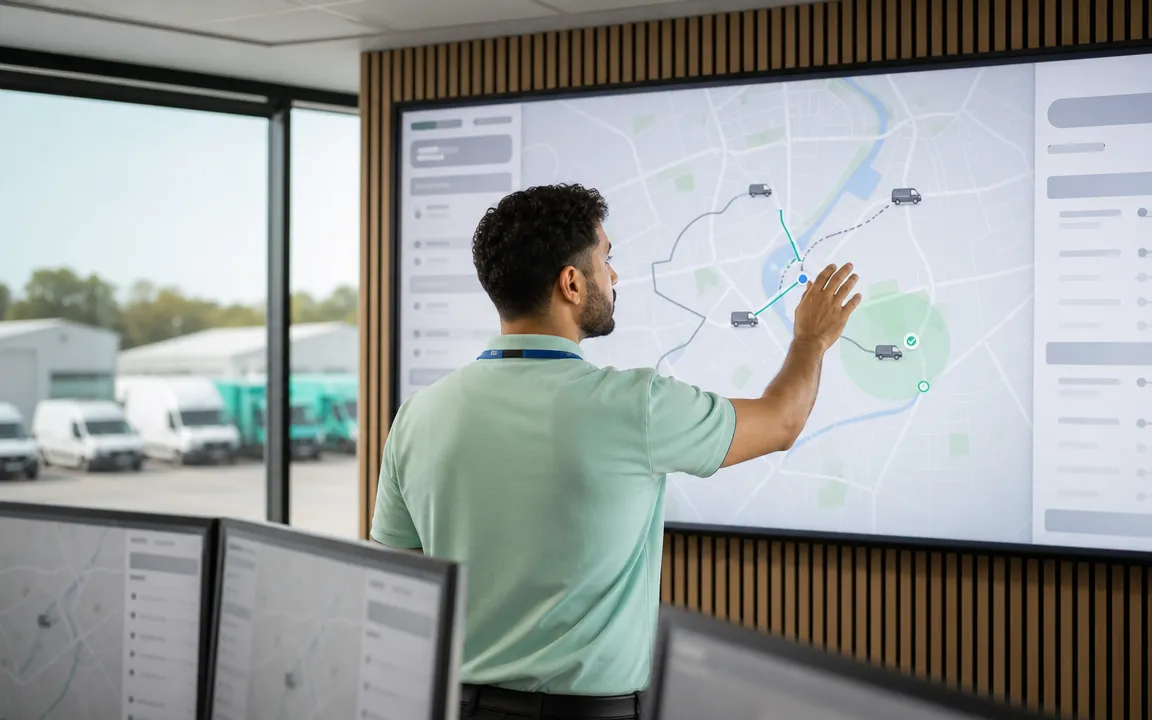
Live route management on one map: every van shows across every branch, and geo-fenced arrivals auto-confirm each visit. Exception flags surface in time to act, not after.

Yesterday against today, target against delivered, route against budget: the data layer no spreadsheet ever caught. Tune the next round on real numbers.
Representative results from live route operations.
Before RouteMagic, Covetrus Ireland ran its delivery operation on paper run-sheets and manual data entry. Every van now runs the RouteMagic driver app; routes are built in the Back-Office Route Planner and tracked live on Route Monitor; geo-fenced arrivals auto-confirm visits; and the dispatch team sees every load across 20+ routes the instant it changes.
When the day depends on the right load reaching the right customer in the right window. Find your industry to see the fit.
Multi-drop urban DSD with dense beats and tight time windows.
Explore industryPre-dawn pick & load with time-to-shelf in single-digit hours.
Explore industryChilled multi-drop with cold-chain capture from depot to drop.
Explore industryDense urban beats with crate / keg returns on every round.
Explore industryPre-open multi-temp drops with OTIF-contracted SLAs.
Explore industryNext-day medical-supplies distribution with audit-grade routing.
Explore industryMulti-client last-mile execution with per-client data scoping.
Explore industryMulti-branch trade-supplies merchant rounds to building sites.
Explore industry| Capability | Spreadsheet / paper planning | RouteMagic Route Planning |
|---|---|---|
| Plan-the-day time | 60–90 min in a spreadsheet. | ~15 min on the drag-and-drop planner. |
| Stop sequencing | Driver re-sequences in the cab. | GraphHopper VRP, time-window-aware. |
| Capacity check | Eyeballed from past experience. | Per-van capacity tracked live. |
| Live visibility | Phone calls to drivers. | Every van on a live map. |
| New-call insertion | WhatsApp the driver, hope. | Inserted as next nearest stop. |
| Performance review | Anecdotal at the weekly meeting. | Plan vs. delivered per route, daily. |
Start on the plan that fits today and move up as you grow. Same platform, same data.
£29/ monthly / user
The starter plan, with essential capabilities to get a single team up and running.
Get Started£39/ monthly / user
The complete platform to run your operation end to end. Where most teams start.
Get Started£59/ monthly / user
Everything in Core, plus advanced analytics, multi-site scale and priority support.
Get StartedRouteMagic solutions that pick up where the planner ends.
Fleet management and vehicle-tracking software: Route Monitor, live GPS and geo-fenced visit confirmation across every branch.
Explore solutionSignature, photos, geo-fenced confirm and an auto-emailed POD PDF at every drop.
Explore solutionCourier and direct-to-consumer rounds: live ETAs, dynamic dispatch and doorstep proof.
Explore solutionThe full distribution day; the planner is one chapter of it.
Explore solutionWhen the driver also sells: mobile invoicing, payment capture, EOD reconciliation.
Explore solutionThe ones that come up most often. Book a walkthrough for anything else.
Route planning software builds a delivery operation’s daily rounds from its orders, balances each vehicle by capacity and time window, sequences every stop to cut driving miles, dispatches to drivers and tracks the vans live. RouteMagic does all of this back-office route planning and optimisation in one system, so planners stop rebuilding the day in a spreadsheet each morning.
Yes. RouteMagic is routing software in the same family as the route-planner and route-management tools UK distributors compare: it plans, optimises, dispatches and monitors every round. The difference is that the routing sits inside the whole distribution day (orders, warehouse pick, driver app and accounts) rather than as a standalone planner you re-key into.
The right software is the one that fits how you actually run: multi-drop rounds, standing orders, time windows, multi-branch territories and a driver app that works offline. RouteMagic is built for distributors running dense multi-drop rounds at scale; for last-mile and courier operations, our last mile delivery software is the closer fit.
GraphHopper VRP, the same engine that powers commercial-grade route optimisation across distance, time and capacity dimensions. Customer-record latitude/longitude is the only data prerequisite; everything else is configurable per tenant.
Not always, which is why the optimiser never has the last word. The planner can override any sequence, lock specific stops in place and pin the first or last drop, then re-run, so local knowledge a map can’t see (a tight loading bay, a customer who only takes deliveries before noon) always wins.
Up to seven days of advance planning, with cumulative driving distance and time tracked across days, driver availability checked against holidays / absence, and mandatory rest hours enforced per regulatory or company rules.
Yes. New calls inserted by the back office land as the next nearest stop on the in-flight route; stops can be transferred between vans; remaining stops can be re-sequenced; driver notification fires on every change.
Geo-fenced arrivals auto-confirm each stop when the vehicle enters the customer’s configured radius; exception flags surface live on the map for failed drops, out-of-window stops, signature mismatches and off-route deviations.
Each branch has its own warehouses, employees and vehicles modelled under one tenant via Company Branch Warehouse Setup; the planner operates per branch with cross-branch visibility for the master tenant; Territories auto-assign customers within map boundaries.
Locked routes push to the offline-first driver app at sign-in; routes, customers, products, prices and promotions cache locally; transactions write locally and queue; background sync pushes everything back when signal returns, with no data loss.
Yours. Geocoding, distance matrices and traffic-aware ETAs run on Google Maps, HERE or GraphHopper, with your own API key stored encrypted, so you are not tied to one provider's coverage or pricing.
Both. Re-sequence the stops already on one route, or let the optimiser decide which stops belong on which route across a whole group. The second is where the real mileage saving is, and most planning tools only do the first.
Seven days, with multi-day circuits that respect driver availability, rest hours and vehicle capacity. Lock a route before picking starts so nobody drags an order onto a manifest that has already been printed.
Insert the stop, reassign it to another van, or re-sequence what is left. The driver pulls only the change, keeping every completed transaction and every skip reason already captured.
Thank you
Your request has been received.