
Branded Catalogue Browsing
Customers browse your published catalogue with product images, descriptions, and pricing, shown per their price list and product-group assignments, so each customer sees the right range and the right price.
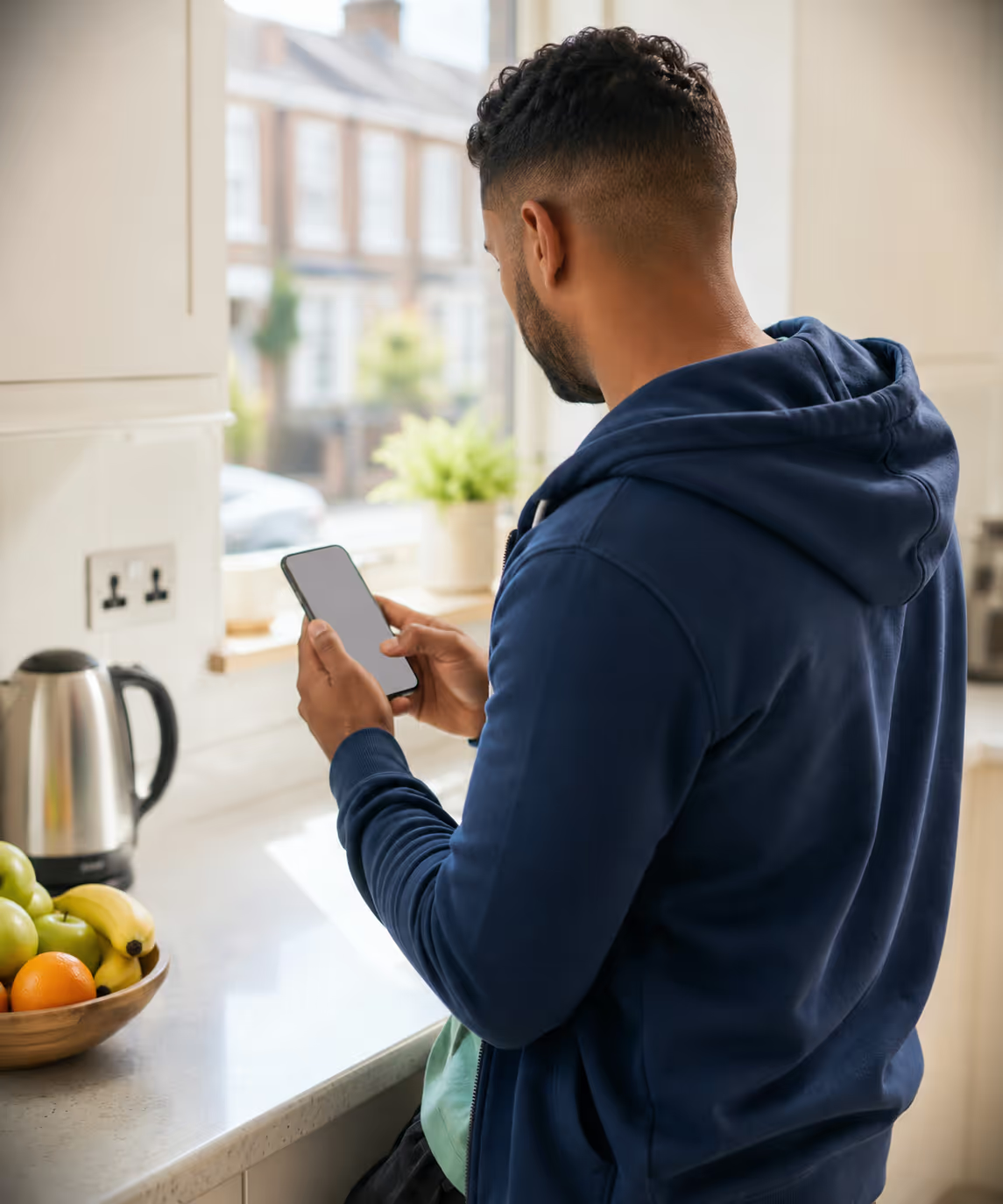
The Consumer App is a direct-to-consumer storefront carrying your branding. Customers browse, order, pay and track, and every order drops into the ERP and onto your existing routes.















A B2C ordering channel that layers onto a B2B core: the same catalogue, pricing, and routes, opened up to consumers.
Everything a consumer needs to order and reorder, drawing on the same catalogue, pricing, and stock the rest of the platform runs on.
Customers browse your published catalogue with product images, descriptions, and pricing, shown per their price list and product-group assignments, so each customer sees the right range and the right price.
Add products, choose quantities, and submit the order through a familiar cart-and-checkout flow. VAT and delivery scheduling follow the same ERP rules as every other order.
Take payment online through Stripe or Razorpay, typically upfront at checkout. The tenant chooses which methods are enabled, and successful payments flow back to invoicing automatically.
Every past order is kept on file so customers can see what they ordered before and reorder a favourite basket in a tap: the kind of repeat-purchase flow that suits dairy, water, and bakery rounds.
Customers follow the order from picking through loading to the door: live status, the van on a map as it approaches, and an ETA that moves with the round. They know when it is coming, not just that it was placed.
Reward repeat custom with the platform’s loyalty and promotional mechanics, applied to D2C customers alongside everyone else: points, offers, and promotions that draw on the same engine as your B2B trade.
Onboard customers by sending a D2C invitation from their ERP record, or let them self-register for the office to review, whichever the tenant configures. Access is governed by the Customer role.
A D2C order lands in the ERP as a standard sale order tagged with the D2C type and is routed to the nearest delivery route, then picked, loaded, and delivered like any other, with no separate ecommerce stack to reconcile.
A D2C order travels the same fulfilment path as every other order. Here’s how one moves from the app to the doorstep. Open any step for the full module detail.
Stripe & Razorpay for in-app payment, your published catalogue and pricing, and the same routing, inventory & invoicing as every other channel.





Need something else? We build custom integrations tailored to your stack.
| Capability | A separate webshop & phone orders | RouteMagic Consumer App |
|---|---|---|
| Ordering channel | Phoned or emailed in, office hours only | 24/7 self-service in a branded app |
| Catalogue | A separate webshop product list | Your ERP catalogue, per-customer pricing & groups |
| Payment | On delivery, or chased later | Taken upfront in-app via Stripe or Razorpay |
| Order entry | Re-keyed from the webshop into the ERP | Lands directly as a D2C sale order |
| Fulfilment | A separate ecommerce & courier stack | Auto-routed to the nearest existing route |
| Delivery visibility | “It’ll arrive sometime” | Live status & ETA pushed to the consumer |
| Reorders | Start from an empty basket each time | One-tap reorder from order history |
| Loyalty | None, or a disconnected scheme | Built-in loyalty & promotions on one engine |
| Brand | A generic marketplace listing | White-labelled to your brand & domain |
Answers about the app itself. The wider last-mile picture is on D2C and last-mile delivery.
Online at checkout through Stripe or Razorpay, covering card, UPI and digital wallets. Payment is usually taken upfront, and you choose which methods are switched on.
They find out at checkout rather than after paying. An address outside your delivery area or with no matching round is flagged there and then, with an alternative slot offered where one exists.
No, but they are better served by a different surface. Trade buyers use the Customer Portal, which is invitation-only and carries credit terms and statements. Both feed the same order pipeline.
Yes. Past orders stay on file and a favourite basket reorders in a tap, which is what most repeat-purchase customers actually do.
Into the same order queue as everything else, tagged so you can report on the D2C channel separately. From there it is picked, loaded and delivered on your existing rounds by your existing drivers.
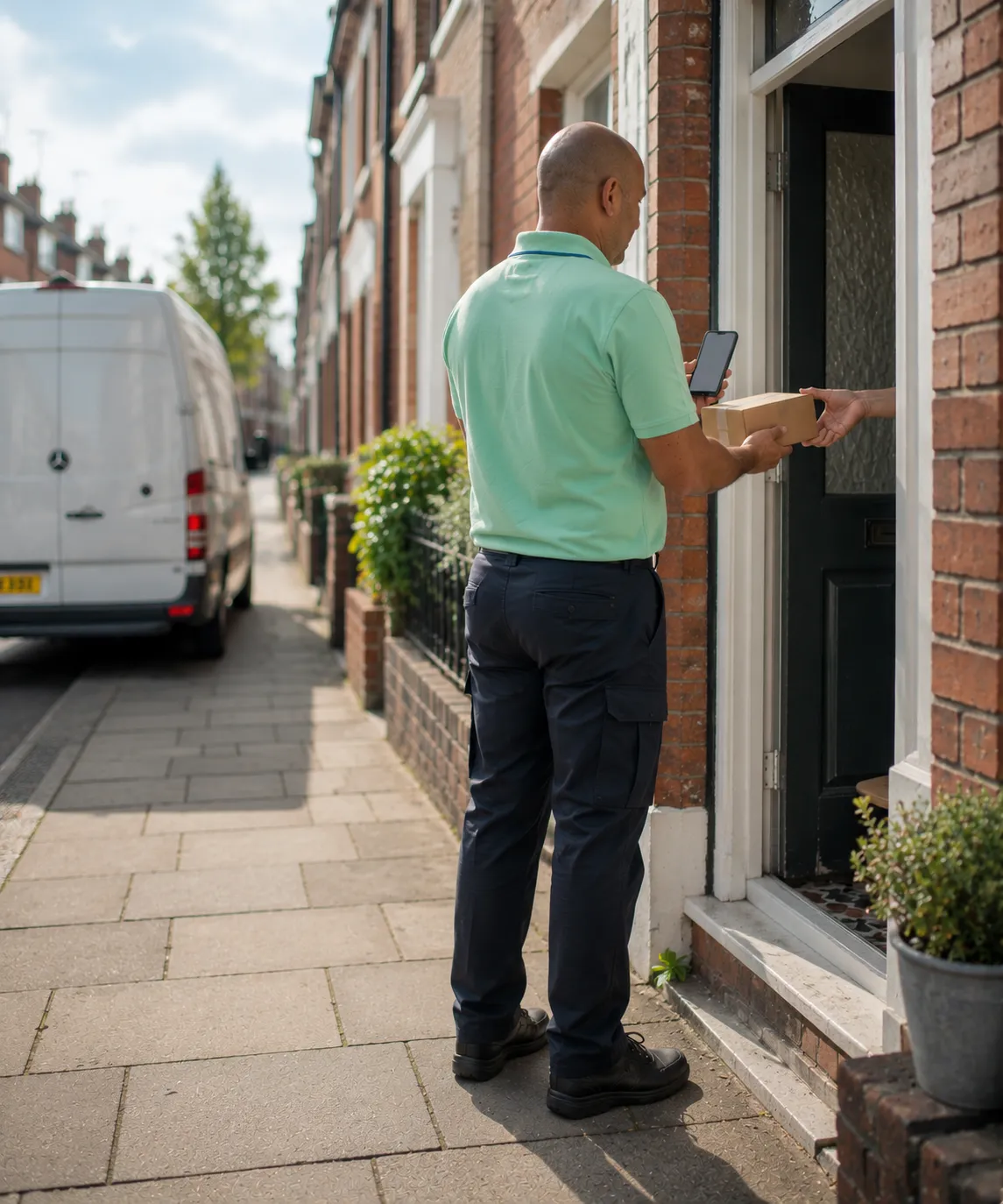
Sell direct to end consumers and fulfil on your existing routes.
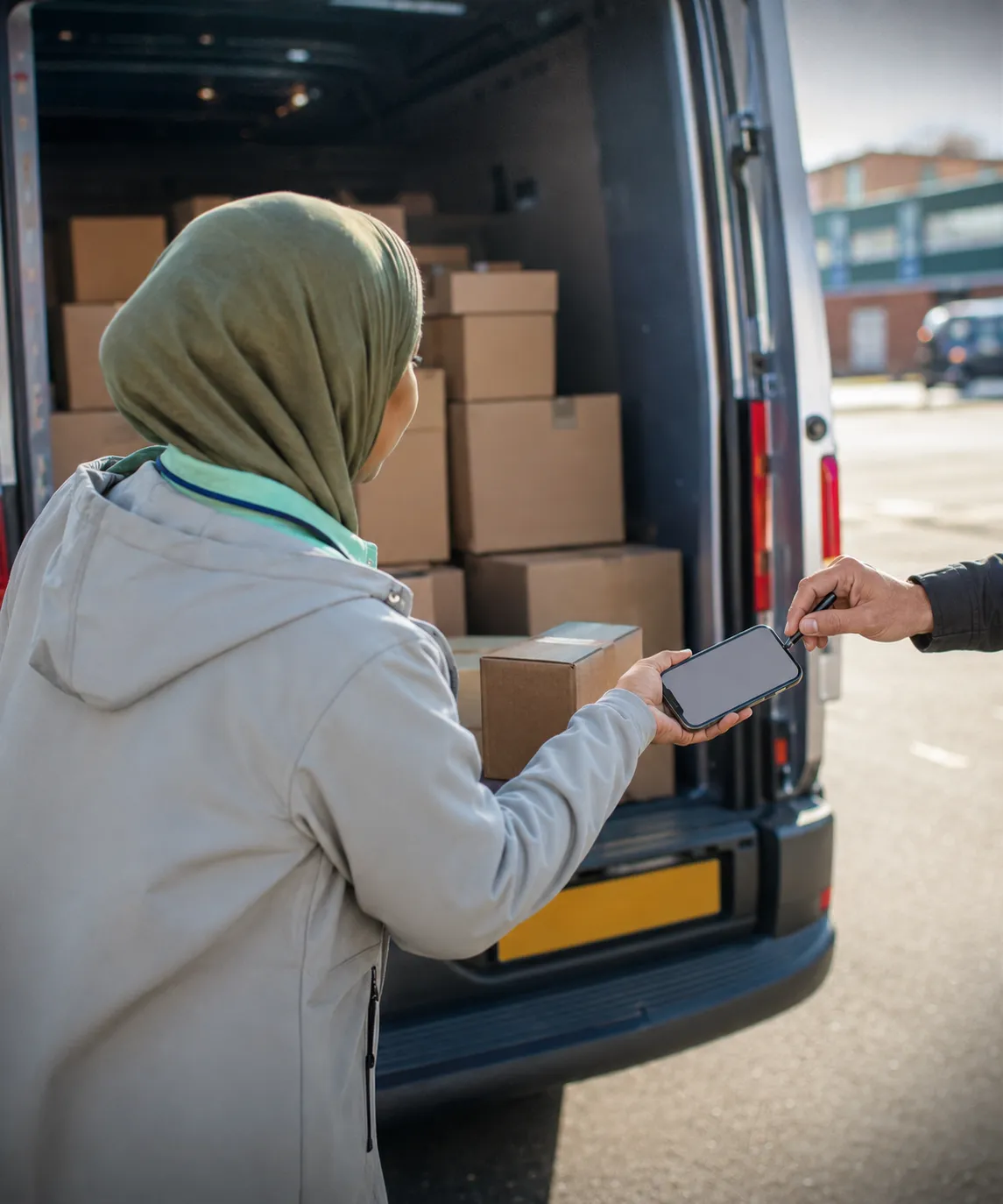
Live visibility and digital POD, from depot to doorstep.
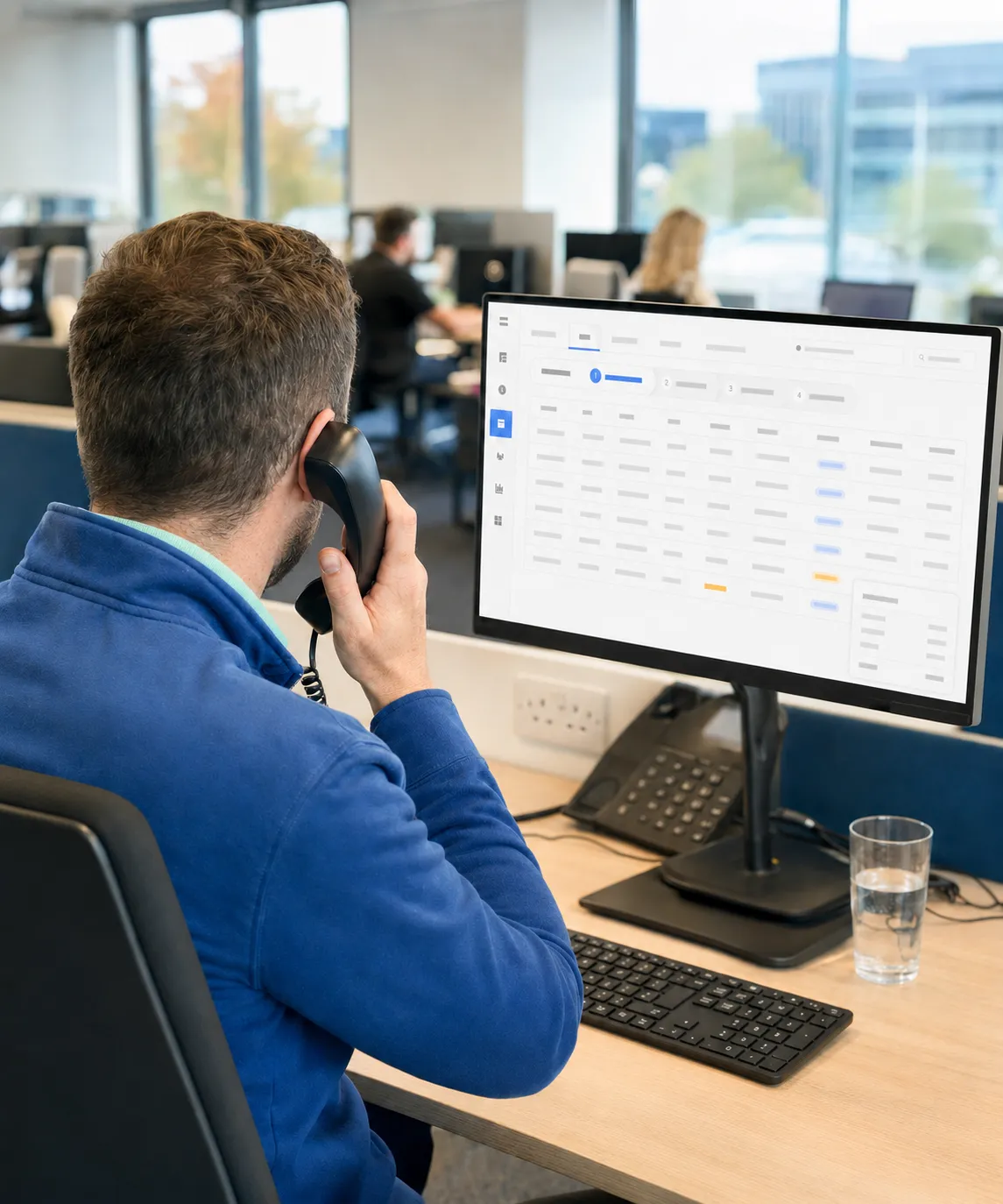
Capture, approve, and fulfil orders from every channel in one place.
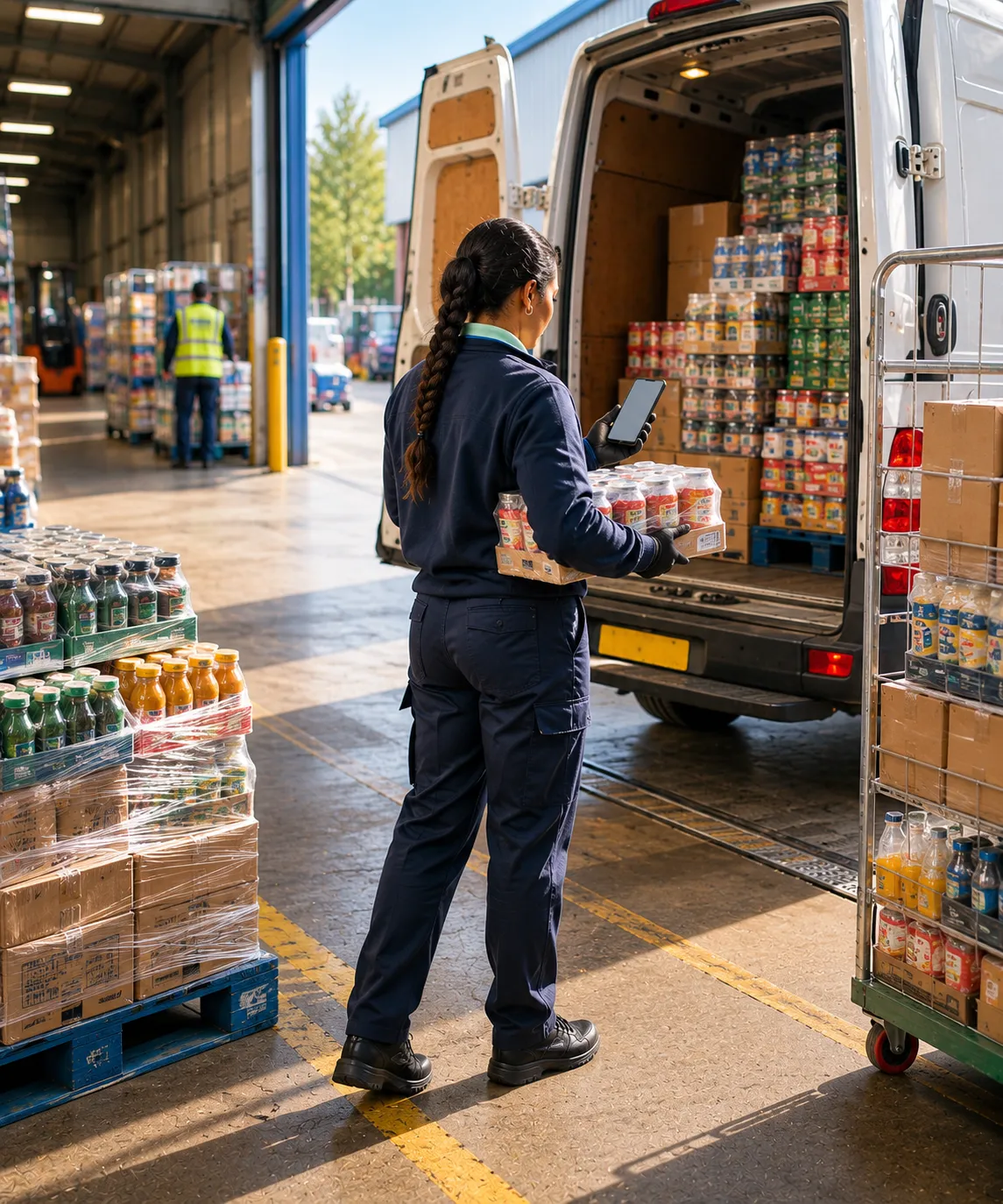
The B2B route-based core the D2C channel layers onto.
Thank you
Your request has been received.