
Order Management
Handle the full order lifecycle (sale orders, telesales, quotations, standing orders, returns, consignment, and promotions) with a Pending → Approved gate so nothing reaches a van unchecked.
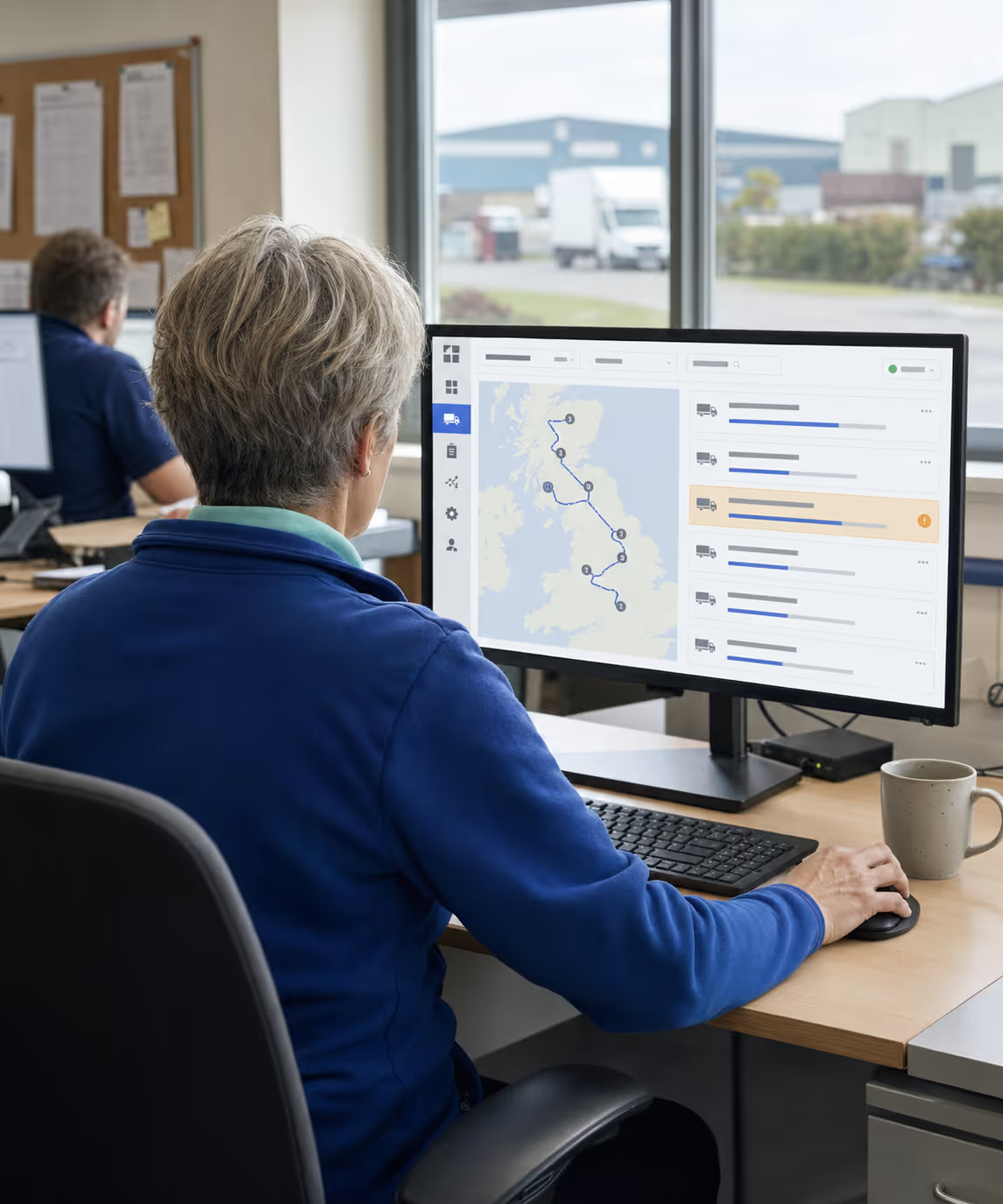
The Back-Office is the web console the office team works in all day, covering the whole order-to-delivery lifecycle: capture, planning, fulfilment, invoicing and accounts.
Trusted by businesses across the globe

















One console, every role, each working from the same product master, customer ledger, and route plan.
Every module shares the same product master, customer ledger, and stock view.
Handle the full order lifecycle (sale orders, telesales, quotations, standing orders, returns, consignment, and promotions) with a Pending → Approved gate so nothing reaches a van unchecked.
Build and balance routes with drag-and-drop assignment and Auto-Optimize. Plan up to seven days ahead with live capacity, weight, vehicle-skill, and delivery-window checks.
Track every route for the day on one Google Maps view: colour-coded stop status, live driver positions, ETAs, geo-fence alerts, and drill-down to PODs, signatures, and payments.
Move orders through Pick, Pack, and Load in bulk, with batch traceability, FIFO/FEFO and expiry control, stock takes, van stock, and warehouse transfers.
Manage vehicles, types, and safety profiles alongside maintenance schedules, vehicle-skill matching, geo-fences, driver breaks, employee targets, and gamification.
Maintain customers, delivery points, and the product catalogue with multiple price lists, tiered pricing, rebate tiers, promotions, credit terms, territories, and loyalty programmes.
Generate invoices and credit notes from completed deliveries, record card, cash, and credit payments, and sync to Sage 50, Sage 200, Xero, QuickBooks, Tally, Zoho Books or Dynamics 365, with no rekeying.
Track the day with the Daily Activity Summary, aging reports, balance ledgers, and audit trails, plus AI demand forecasting, OCR document import, and conversational ordering.
Every order follows the same clear path through the Back-Office. Here’s how a delivery day comes together. Open any step for the full module detail.
50+ native integrations: accounts, telematics, freight networks, payments, maps, messaging & others.




















































Need something else? We build custom integrations tailored to your stack.
| Capability | Spreadsheets, phone & paper | RouteMagic Back-Office |
|---|---|---|
| Order capture & approval | Manual entry, no audit trail | Telesales/manual/standing/D2C orders with a Pending → Approved gate |
| Route planning | Hand-built, hard to balance | Drag-and-drop + Auto-Optimize with live capacity, weight & skill checks |
| Warehouse fulfilment | Paper pick lists, no traceability | Bulk Pick-Pack-Load with batch, FIFO/FEFO & expiry control |
| Delivery visibility | Phone calls to drivers | Live map, ETAs, and geo-fence alerts in Route Monitor |
| Proof of delivery & payment | Paper sheets, cash reconciled later | Digital signature, photos, and card/cash/credit captured in real time |
| Recurring orders | Re-keyed every cycle | Standing Orders auto-generate on schedule |
| Pricing & promotions | Manual lookups, easy to misprice | Multiple price lists, tiered pricing, rebate tiers & promotions |
| Invoicing & accounting | Manual rekeying, prone to error | Generated from deliveries, posted to Sage, Xero, QuickBooks, Tally, Zoho or Dynamics |
| Reporting & forecasting | Built after the fact | Live dashboards, aging, ledgers, audit + AI demand forecasting |
Answers about the console itself. The wider capability questions live on the solution pages it links to.
Yes. Every report exports to CSV, XLSX and PDF, and most can be scheduled as an email digest. Filtered views keep their filters on export.
Yes. From a customer balance you drill to the invoice; from the invoice to the line items, the cheque photo, the geo-stamp, the driver and the timestamp. From a bin quantity you drill to the receipt, transfer, pick or adjustment that moved it. Nothing is rolled-up first.
Both. Every ledger is branch-aware, so you can run per-branch cash, per-branch inventory and per-cashier accuracy in isolation, then roll up to tenant-level for consolidated reporting.
Yes. RouteMagic is your operational reporting system, not a replacement for your BI stack, and the two connect. We expose a REST API and scheduled CSV / Parquet exports for data warehousing; customers stream into Looker, Power BI, BigQuery, Snowflake and Metabase today.
Eight: Sales Overview, Customer Insights, Product Performance, Route Productivity, Driver Leaderboard, Warehouse Throughput, Financial Health and Inventory Forecast. Each carries preset and custom date ranges and an optional prior-period comparison, so a number arrives with its context.
Yes. The self-service workspace sits alongside the ready-made dashboards, so analysts and managers assemble their own views over sales, inventory, route and customer data, save them and share them.
Audit Log is append-only and hash-chained, so edits leave a footprint. Default retention is seven years; longer retention is configurable per tenant for regulated industries.
No. It runs in a browser, and it can be installed to the desktop as a progressive web app if your team prefers an icon to a tab. It keeps working through a short drop in connectivity and picks up where it left off.
Yes. Roles decide which features a user reaches, and access can be scoped by branch, warehouse, customer and route, so a depot manager sees their depot and not the whole estate. Multi-factor authentication is available for the accounts that need it.
Yes. Raise a purchase order with agreed prices and an ETA per line, send it for approval and email it to the supplier, then receive against it with batch and expiry captured. Purchase invoices, payments and credit notes sit on the same supplier ledger.
Standing orders are created a week ahead, load orders are built against them, tomorrow’s telesales call list is assembled, site visits roll out of delivery schedules and driver cash balances reset for the next shift. Miss a night and the next run catches up.
Yes. Pick the record, choose whether it fires on an event, a schedule or a button, filter which records qualify, then decide what happens: an email, a WhatsApp message, a bulk update. It is a rules engine rather than a fixed list, which is why it fits operations that do not look like anyone else’s.
Yes. Changes to tracked records are written once and cannot be edited or deleted from the interface. Each one carries the user and the timestamp and opens to show the before and the after, and you can filter the history by person, record, change type or date.
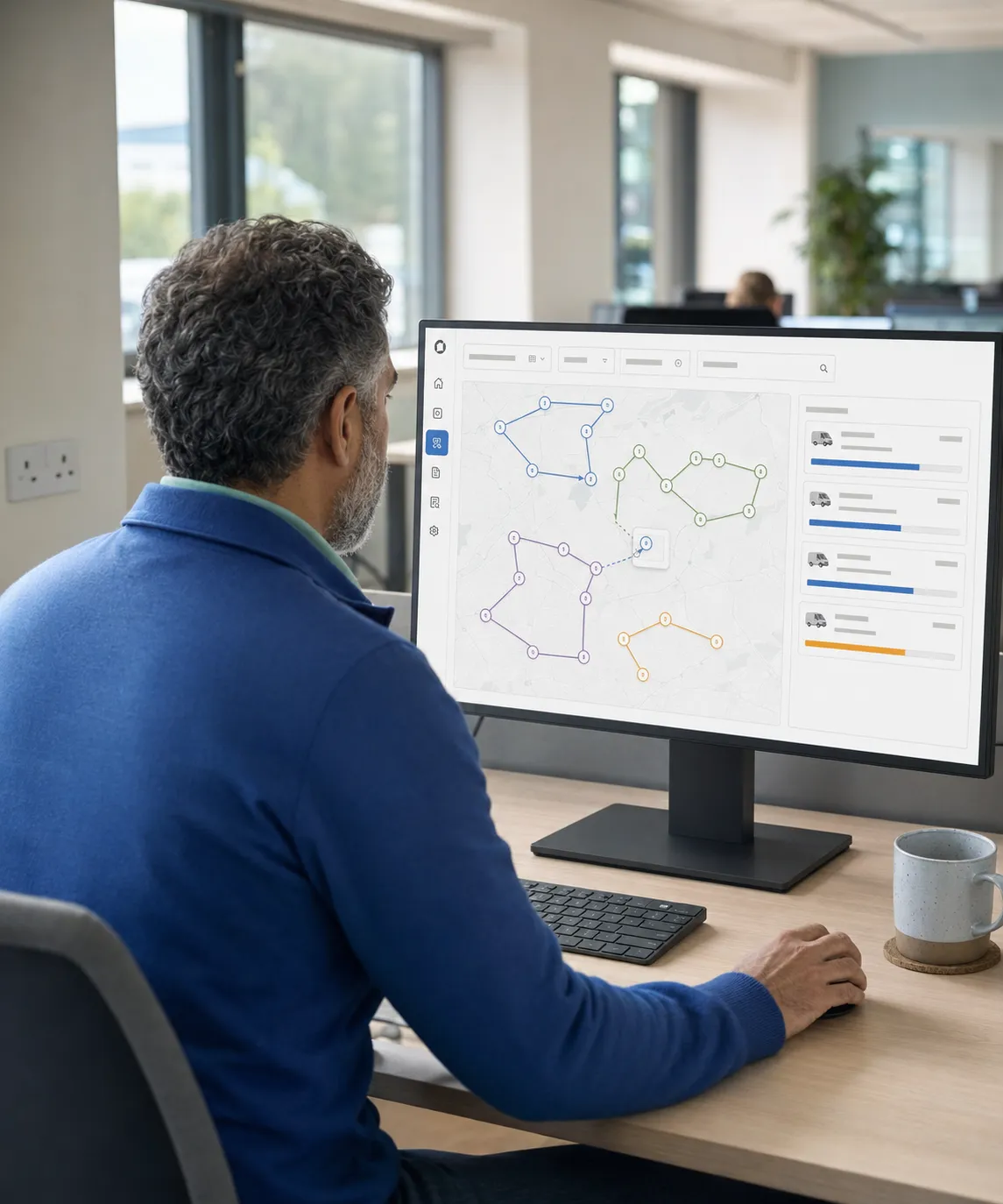
Where the day gets built before the office sees it run: capacity, windows and the stop sequence.

Pre-order, pick, load, deliver, and settle: the flagship route-based model.
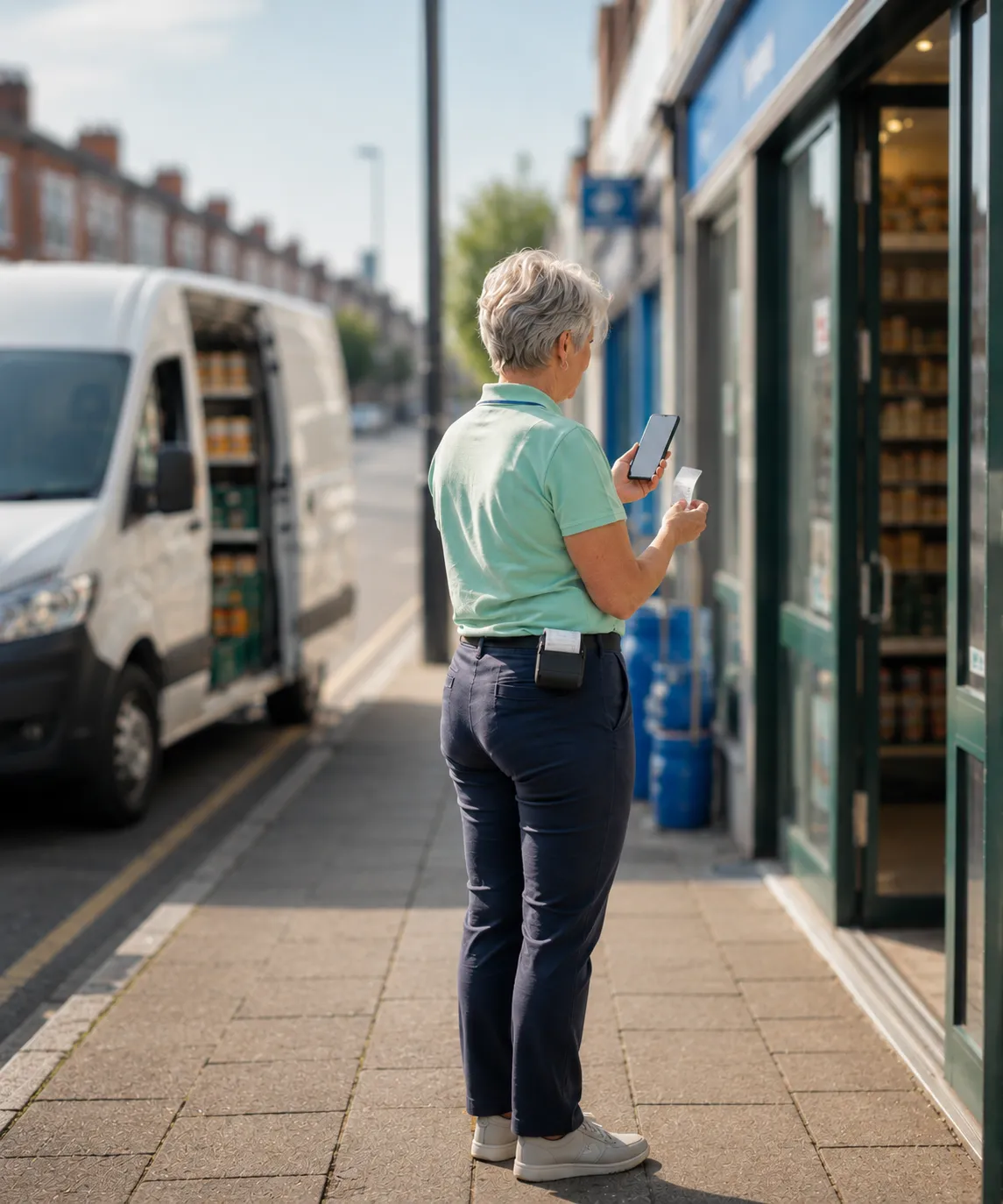
Sell from the vehicle or take orders by phone, on one stock ledger.

Live visibility and digital POD, from depot to doorstep.
Thank you
Your request has been received.