
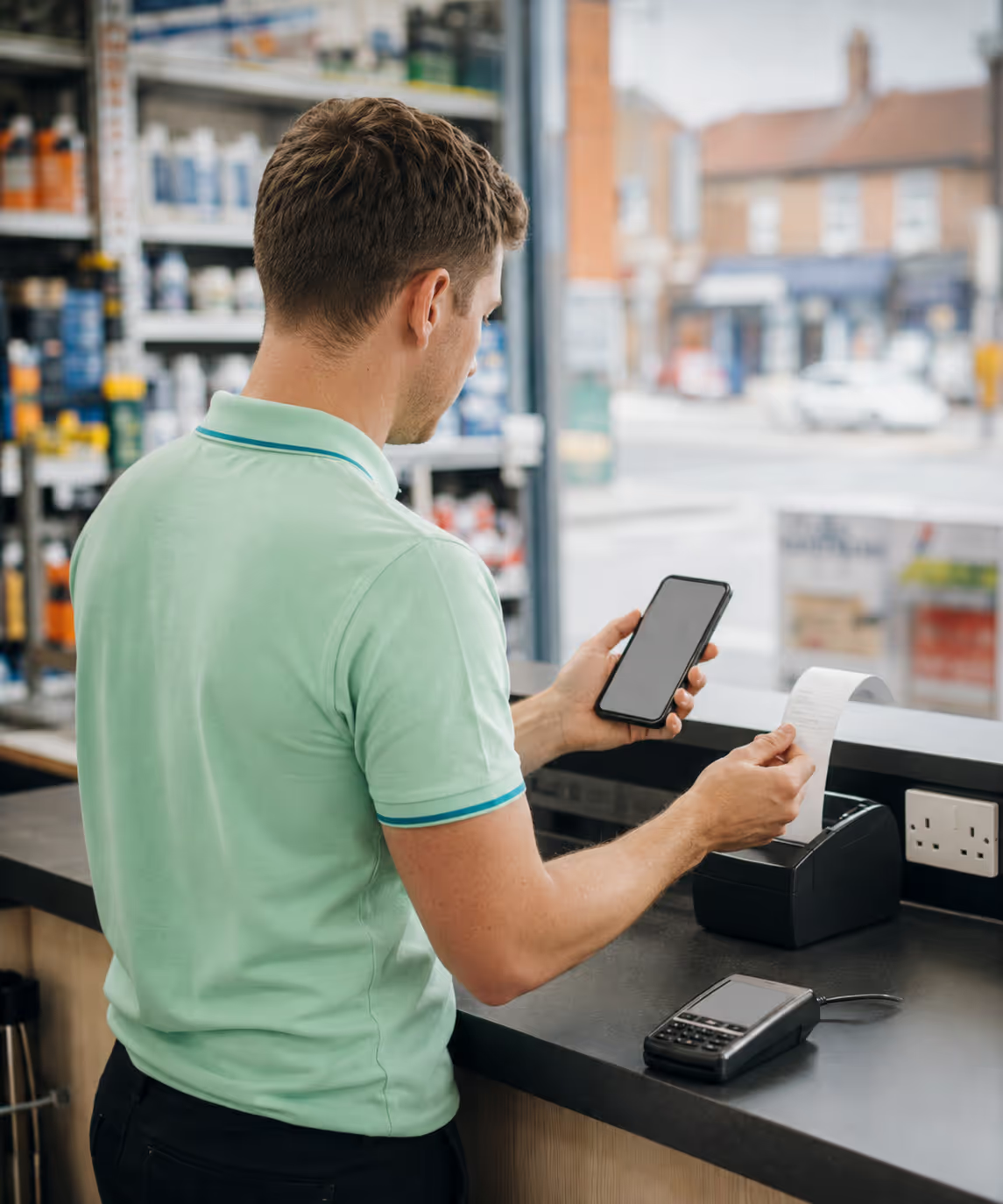
- Paracetamol 500mg ×16£2.49
- Lemsip Max ×8£4.99
- Strepsils Honey£3.79
Total inc. VAT£11.27
Retail POS software runs the till and the stock behind it on one system, so a sale at the counter moves the same figure the warehouse and the vans read. It keeps trading when the line drops and reconciles the drawer at close.
Trusted by businesses across the globe

















The same patterns show up in almost every till operation that hasn’t consolidated, and at least one of them is yours.

The till lives in one system, stock in another, accounts in a third. Numbers reconcile by spreadsheet at month-end (if at all), and nobody trusts the answer.

Sell-through never updates the back room. Reorder is the owner’s gut, expiry is luck, and the recall letter is the worst kind of surprise.

BXGY, bundles and combo deals are remembered, scribbled on Post-its or re-keyed terminal by terminal. Margin floors get crossed, customers argue and the audit trail is a notebook.

No denomination-level close, no daily ledger, deposit slips that don’t tie back to sales. A few percent of takings quietly disappear in the gap.
Cloud-based point-of-sale software, purpose-built for the counter, not a chain-store stack retrofitted onto a phone.

Everything an EPOS till does (scan, total, take cash or card and print a receipt), online or off, so trading never stops. Each item scans in under three seconds, even with a queue at the door.

Publish a price from HQ and every till catches up in seconds. Promotions and tier discounts apply at the counter, with no manual re-entry per terminal.

POS and inventory in one system: sell-through ties to back-room stock so reorder runs on data, not gut feel. Batch and expiry exposure is visible before it bites, with low-stock alerts per supplier.

Close the till in 15 minutes with a denomination-level count, so cash drift surfaces on the day, not the month. The owner signs off from a screen, not a clipboard.

Handle VAT/GST at the till and let the EOD close auto-sync to your accounts package. For Dubai and UAE retail it doubles as billing and retail-ERP software: one tenant tying counter, stock and accounts together, the back office your accountant actually wants.
Real numbers from live RouteMagic POS rollouts.
About Roofing runs four trade-counter branches with a 12-vehicle delivery fleet. Counter sales used to settle on paper dockets that took days to reconcile, with disputed drops dragging out the cash cycle. With RouteMagic running the counter and ePOD on the vans, every transaction signs digitally on the spot, syncs back to the central office in real time, and triggers invoicing without a paper hand-back. Disputes dropped 18%, two hours of daily reconciliation came back, and the cash cycle accelerated.

Wherever a counter operator scans a barcode and takes a payment. Find your format to see the fit.
| Capability | Legacy till / spreadsheet stack | RouteMagic Retail POS |
|---|---|---|
| Internet outage | Cloud-only till stops; queue walks out; paper fallback drifts. | Offline-first, cloud-backed: sells, prints and applies promos with no signal, then syncs on reconnect. |
| Cash close | 60–90 min at month-end; variance found late. | ~15 min denomination-level, daily. |
| Pricing & promos | Re-keyed per terminal; promos remembered. | Pushed once from HQ; applied at every till in seconds. |
| Stock at the till | Sell-through never updates the back room. | Real-time decrement; low-stock alerts per supplier. |
| Accounts hand-off | Spreadsheet rekeyed by the bookkeeper. | Posts straight to Xero, QuickBooks, Sage, Tally, Zoho or Dynamics. |
| Growing the estate | Replatform when you open store two. | One tenant, one product master, 1–10 stores. |
Start on the plan that fits today and move up as you grow. Same platform, same data.
£29/ monthly / user
The starter plan, with essential capabilities to get a single team up and running.
Get Started£39/ monthly / user
The complete platform to run your operation end to end. Where most teams start.
Get Started£59/ monthly / user
Everything in Core, plus advanced analytics, multi-site scale and priority support.
Get StartedThe ones that come up most often. Book a walkthrough for anything else.
Retail POS software runs the sale at the counter: scanning barcodes, taking cash or card, printing a receipt and decrementing stock. RouteMagic’s POS App is offline-first, so the till keeps selling when the internet drops, and it runs trade counters, branch tills and kiosks on the same customers, prices and stock as your vans.
RouteMagic POS is priced per till / user (Lite at £29, Core at £39 and Premium at £59 a month), with no hardware lock-in, so you can run it on the tablets or terminals you already have. Most shops start on Core; book a demo for a quote across your stores.
The best POS for a small business is one that keeps selling offline, ties stock to the till and syncs to your accounts without rekeying, so a one-person shop runs like a chain. RouteMagic starts at £29 per till and runs a single counter or a multi-region estate on one tenant, with central pricing, promotions and stock across every store, so you never replatform as you grow.
An EPOS (electronic point-of-sale) till system replaces a basic cash register: it scans barcodes, prices and promotes automatically, takes cash and card, prints a VAT receipt and records every sale against stock. RouteMagic is a cloud-based EPOS till that also runs offline, so the day-close and accounts sync are handled in the same app rather than reconciled by hand.
Yes. Receipts are tax-compliant out of the box (UK MTD and UAE FTA e-invoicing), and the till feeds stock, pricing and accounts as one system. So it doubles as your retail billing and back-office ERP rather than a standalone register.
The till keeps selling. Sales sign locally; payments accept; receipts print; promos still apply. When connectivity returns, the day’s sales sync to the back office with no conflicts.
Return Order at the till; the credit note auto-applies; stock returns to back-room inventory or quarantine depending on condition. The audit trail is intact, and the stock movement flows straight into inventory management with batch and expiry intact.
The POS app runs on an Android tablet or an iPad on the same feature set, plus a cash drawer, a barcode scanner and a receipt printer, or a dedicated POS terminal if you prefer. No hardware lock-in; we can confirm certified models for your country.
RouteMagic connects to Xero, QuickBooks, Sage 50, Sage 200, Tally, Zoho Books and Microsoft Dynamics 365. Anything else goes through the REST API.
No. The till is the same app your drivers and warehouse staff use, switched into counter mode by profile and role. One install to deploy, one release to keep updated, and the same product master and stock ledger behind it.
Start the sale, then identify them. The cashier searches by name, account number, phone or loyalty card and the sale re-binds to that account, so their pricing, loyalty points and balance all apply before payment is taken. Do it before adding returns or delivery lines.
Yes. Hand a customer a tablet at the counter or take one to a trade show and they build their own basket against their own prices. It arrives in the office as a pending order or a quote, and they never see a payment screen.
Yes. Set the delivery date at checkout and the order joins the normal fulfilment pipeline for picking, loading and delivery, with payment or part-payment taken now if you want it. Or tick Quote and it waits for the office to price and approve.
Yes. From the counter the operator can open the customer’s balance and credit limit, their invoices due, their open quotes and their future orders. "What do I owe you?" gets answered at the counter instead of becoming a call to accounts.
Yes. One tenant scales from 1 store to 10 on the same platform, with inter-store transfers and back-room receiving handled by warehouse management. Beyond 10, a multi-store chain setup tends to fit better and we’ll migrate you onto it.
Live on one store in 2 weeks; most multi-store owners are rolled out across every store within 4. We import your SKU master, pricelists and customer accounts in week 1.
A 30-minute walkthrough on a store like yours, starting with your pricelists.
Book a demo