
Start of Day & Vehicle Inspection
Log in (with MFA if enabled), download the day’s route, orders, customers, prices and promotions in one go, read dispatch messages, and complete the vehicle inspection checklist with photos before the wheels move.
The Driver App is the single device a driver works from all day: van loading, navigation, delivery, van sales, proof of delivery and cash reconciliation, with or without a signal.















One app, every field role, each working from the same route, van stock, and customer ledger as the back-office.
Everything the driver touches writes straight back to the same route plan, van stock, and customer ledger the office works from.
Log in (with MFA if enabled), download the day’s route, orders, customers, prices and promotions in one go, read dispatch messages, and complete the vehicle inspection checklist with photos before the wheels move.
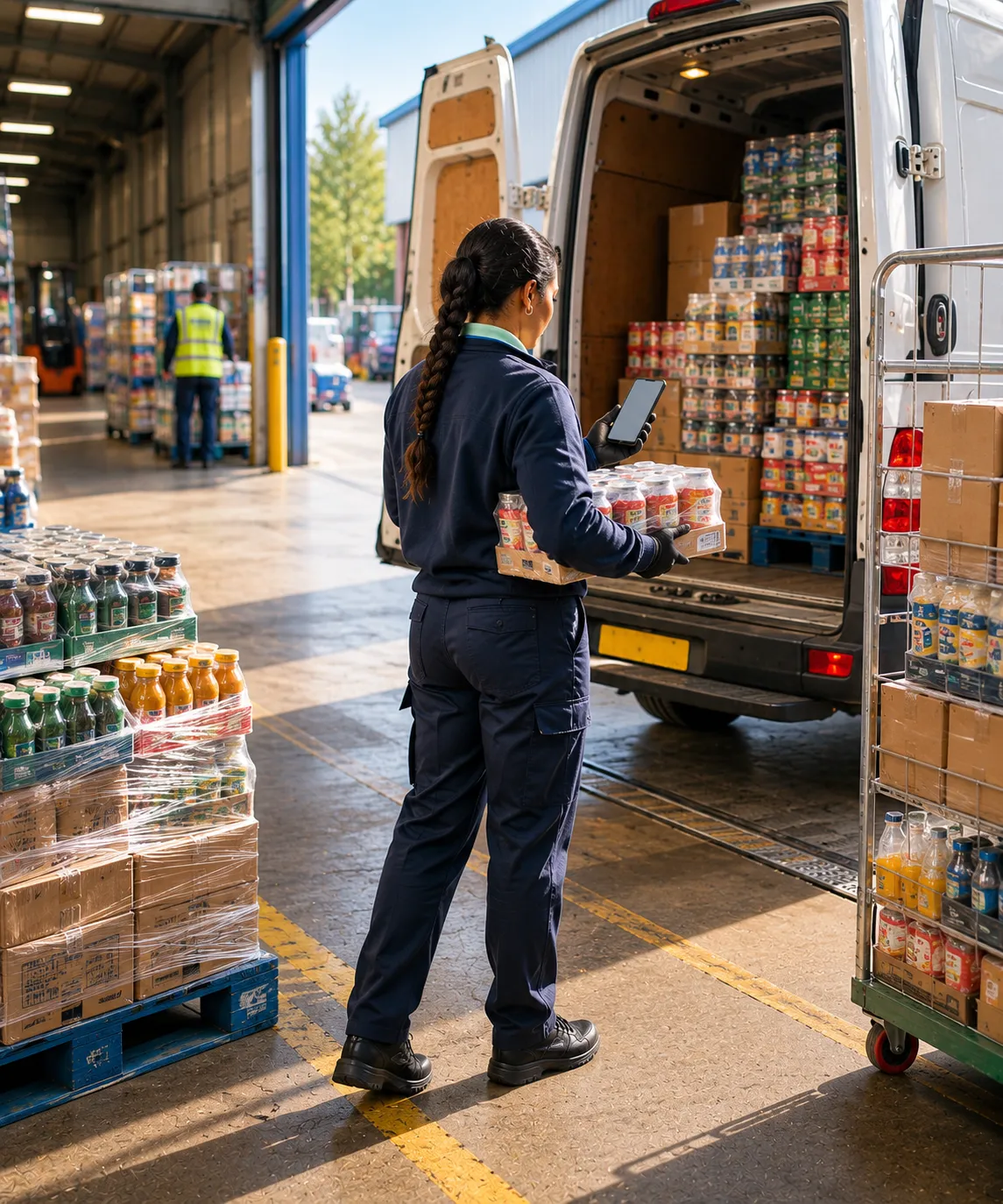
Confirm pre-configured load orders or build a manual load on the fly, scanning barcodes with the camera or counting by hand. Van stock updates instantly, with blind stock takes, van-to-van transfers, and end-of-day unload.
Work the day’s stops in sequence, tap Route to Customer to hand off to the driver’s preferred maps app for turn-by-turn directions, and re-sequence the remaining stops on the device when the plan changes.
Open each pre-ordered stop on the Service Customer screen, confirm or adjust line quantities for partial deliveries, record refused items and returns, and apply discounts and promotions against batch and catch-weight rules.
Sell straight off the van: pick from the customer’s default list, search, scan, or browse the catalogue, with live on-van quantities, promotions, and discounts, then raise an invoice on the spot. Capture returns and forward orders in the same visit.
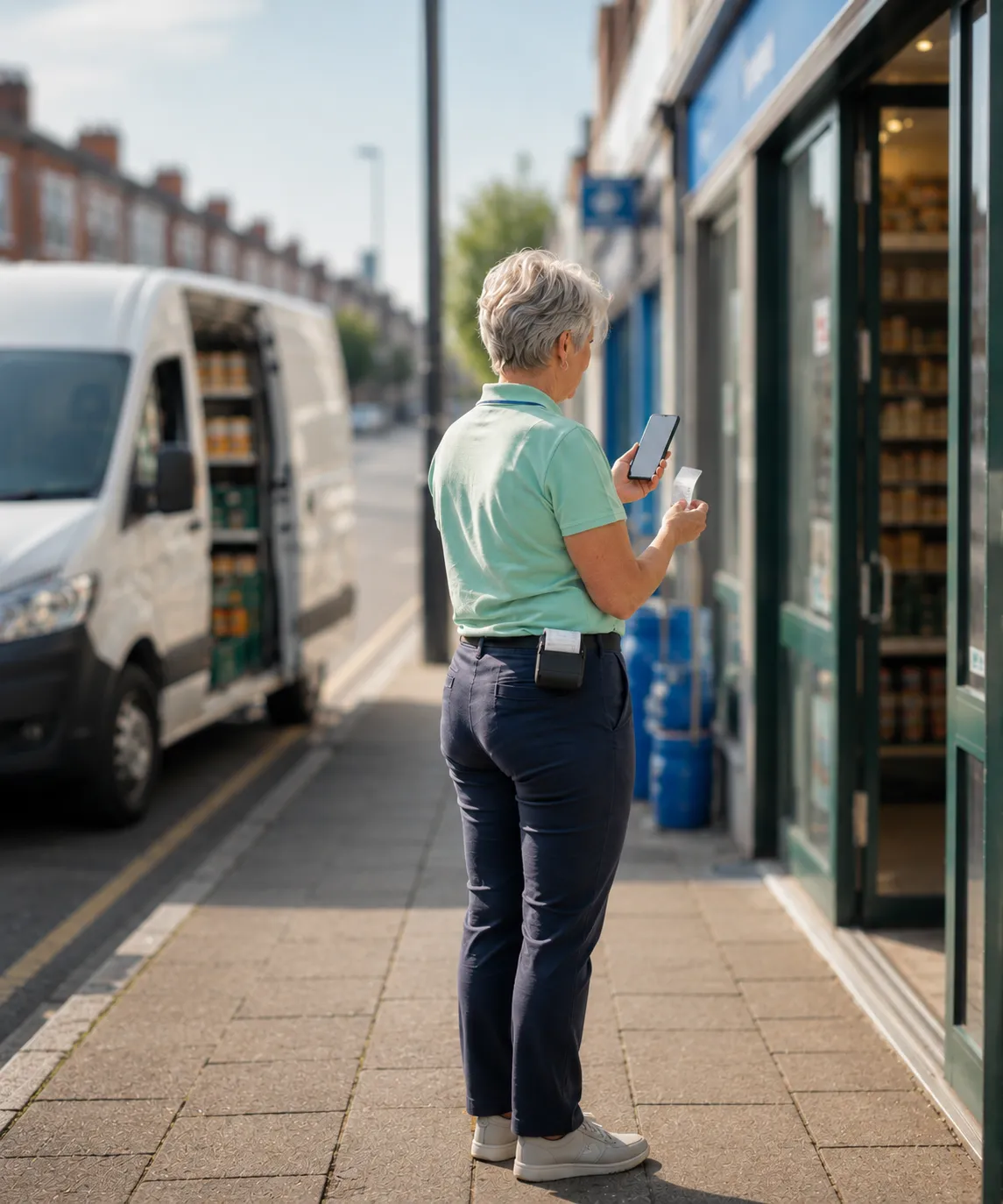
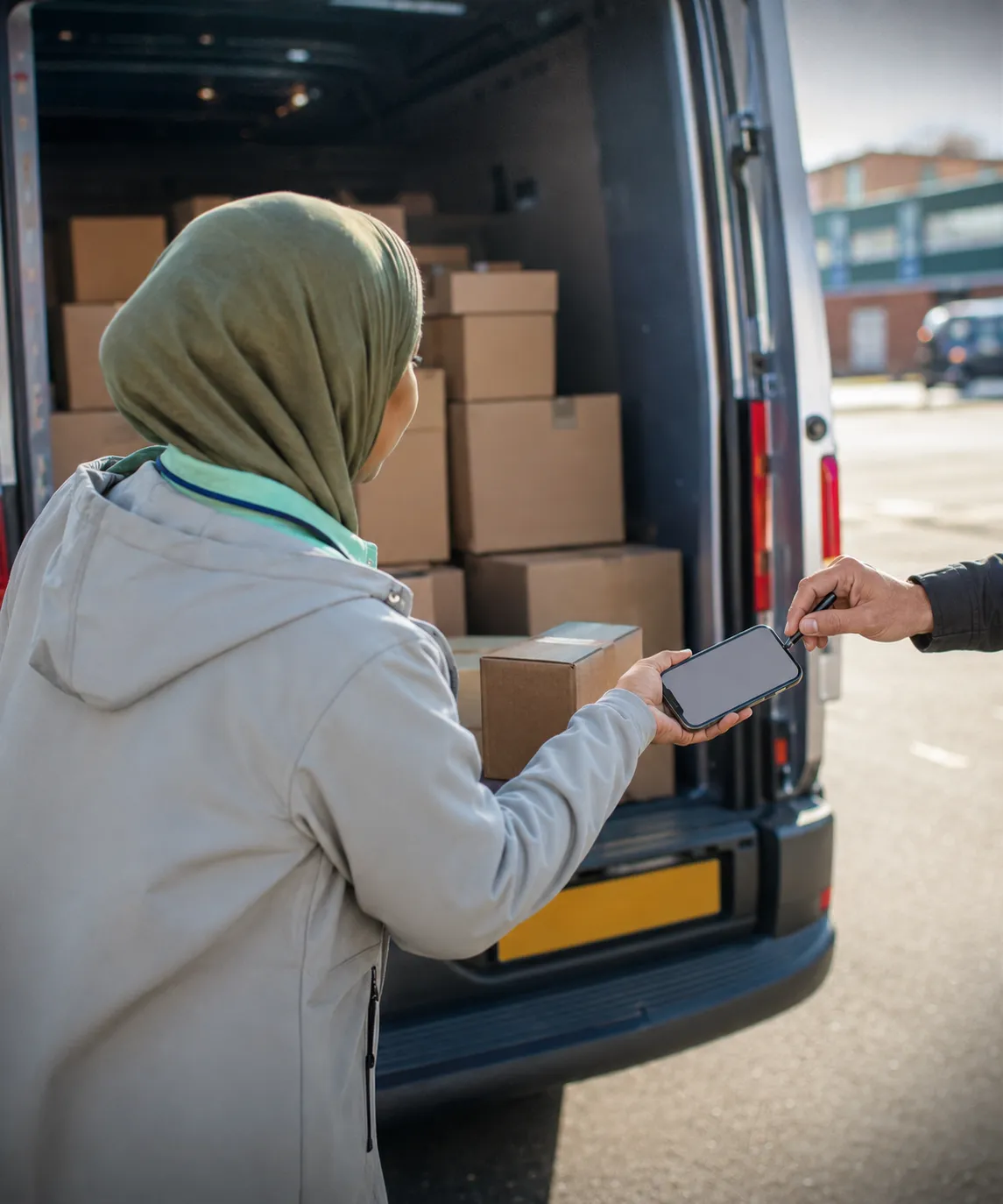
Capture the customer’s signature on the device, take doorstep, stock, or damage photos, and add delivery notes. With ePOD on, the signed POD PDF can email to the customer automatically the moment the drop completes.
Take cash, cheque, or card against the invoice on the doorstep, with Stripe and Razorpay for digital payments, and print receipts, invoices, and delivery dockets to a Bluetooth thermal printer.
Complete the route, clear any mandatory EOD enforcements, review the End of Day reports, count and submit the cash deposit, and reconcile takings against what the system recorded, all before handing the device back.
Every round follows the same path through the app. Here’s how a delivery day runs on the device. Open any step for the full screen detail.
Payment gateways, Bluetooth thermal printers, navigation apps & your accounts package, all wired into the round.




Need something else? We build custom integrations tailored to your stack.
| Capability | Paper, cash tin & phone calls | RouteMagic Driver App |
|---|---|---|
| Start of day & inspection | Printed run sheet, paper checklist | One-tap route download + digital vehicle inspection with photos |
| Van loading | Hand-tallied against a list | Barcode-scanned load orders with live van stock |
| Navigation | Local knowledge or a printed map | Route to Customer hands off to turn-by-turn nav |
| Delivery & returns | Paper delivery note, returns scribbled on | On-screen lines, partial delivery, returns & promotions |
| Van sales | Handwritten invoice book | On-the-spot priced invoice from live van stock |
| Proof of delivery | Signature on a paper sheet | Digital signature, photos & auto-emailed POD PDF |
| Payment | Cash only, reconciled days later | Cash, cheque, card & digital, with printed receipt |
| Connectivity | Needs a signal to do anything | Offline-first, with background sync and no data loss |
| End of day | Manual cash count, paperwork at the desk | EOD reports + cash deposit that reconciles to the system |
Answers about the app on the van. The wider selling and delivery questions live on the solution pages it links to.
Almost nothing. Selling, delivering, invoicing, taking payment, capturing proof and closing the day all work with no signal and sync later. Three things do need a connection: re-sequencing the remaining stops, taking a card payment through a gateway, and a live credit lookup.
Yes. Push a message and it takes over the driver’s screen until they acknowledge it, with the acknowledgement timestamp coming back to the office. Faster than ringing round, and provable afterwards when a batch has had to stop moving.
They sign in, the app pulls the whole day in one go (route, orders, customers, prices, promotions and settings), and the walkaround check opens before anything else. The Load screen stays locked until that check passes.
Most fixes and improvements ship over the air, so drivers get them on the next launch without an app-store download or anyone visiting the depot. Bigger releases go through the stores as usual.
Yes. The driver app can ship under your own name, icon, splash screen and colours, in your own app-store listing. It is arranged with us as a build rather than a setting, so plan around store review times.
Yes. The customer’s outstanding invoices are on screen at the stop, and the driver takes a payment against the ones the customer picks. The ledger moves before they leave.
Sell from the vehicle or take orders by phone, on one stock ledger.
Live visibility and digital POD, from depot to doorstep.
Pre-order, pick, load, deliver, and settle: the flagship route-based model.
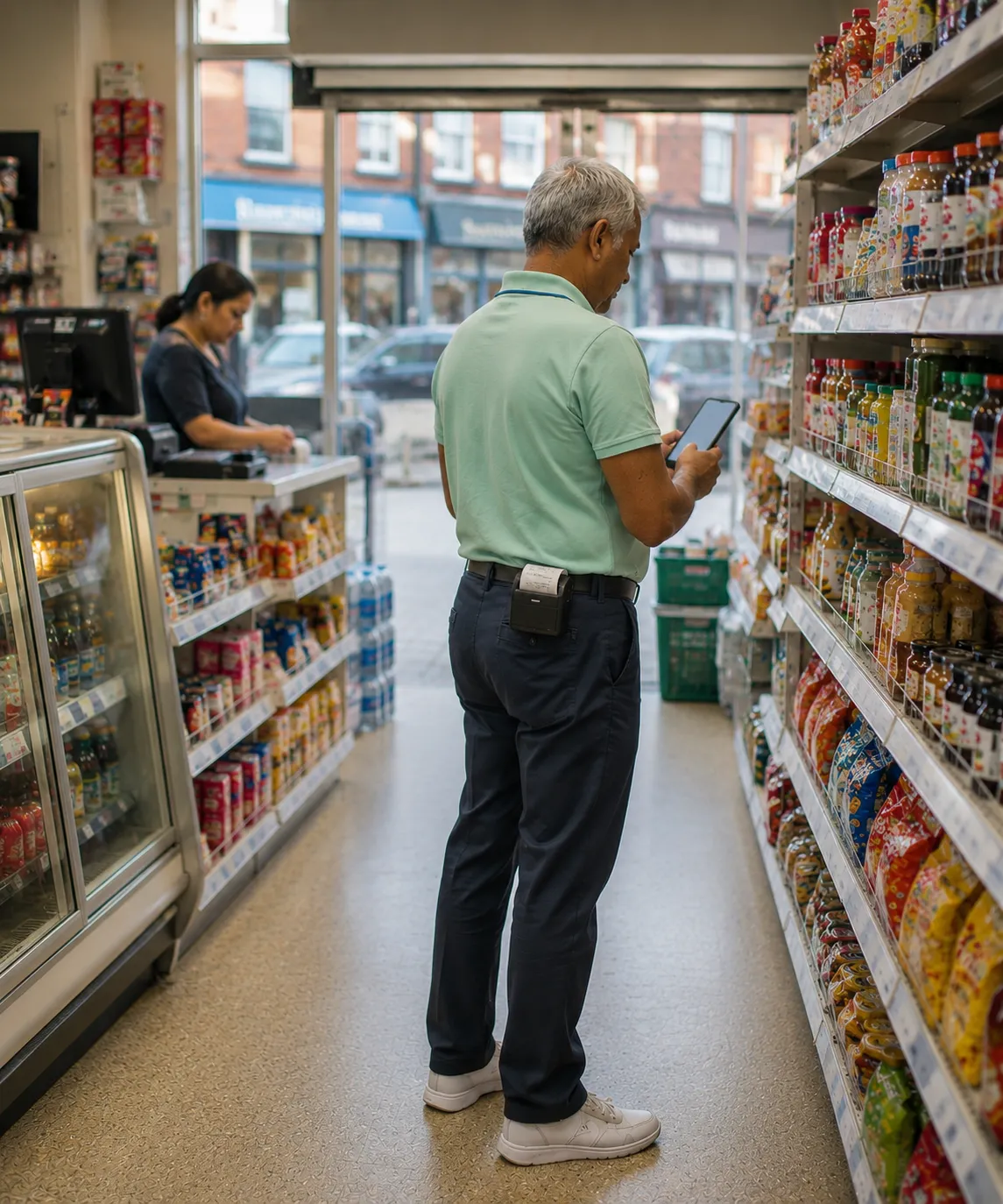
Equip reps in the field with orders, stock, and customer history on one device.
Thank you
Your request has been received.