
One customer ledger
A change made in the Back-Office is live in the Portal, Consumer App and on the driver’s phone instantly. No overnight sync, no version drift.
Six purpose-built apps on one shared spine, so order, stock, delivery and finance stay in lockstep from first order to cash.










Each app is built for one role and one workflow, but they share data, identity and rules natively. No syncs to babysit, no integrations to maintain.
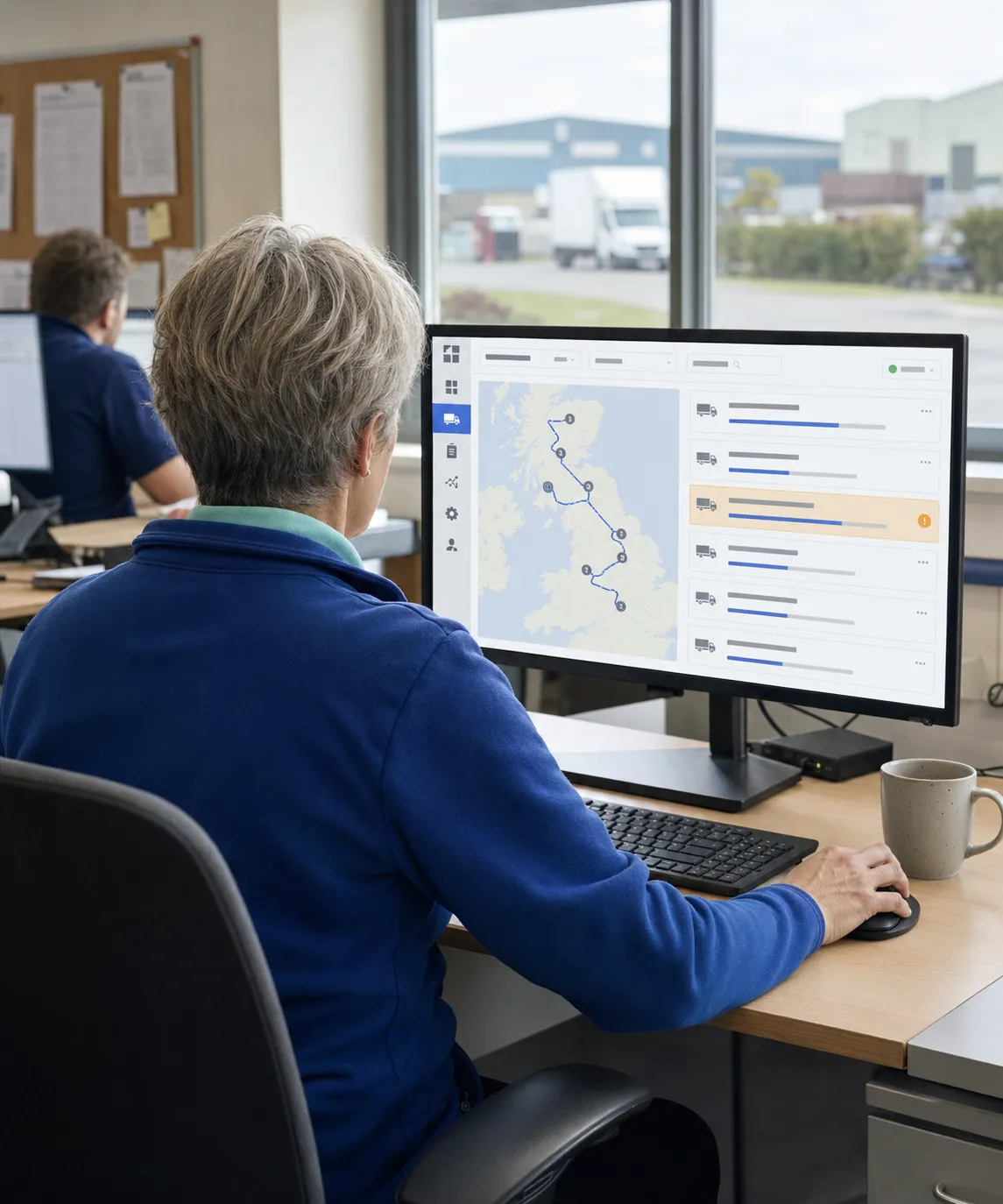
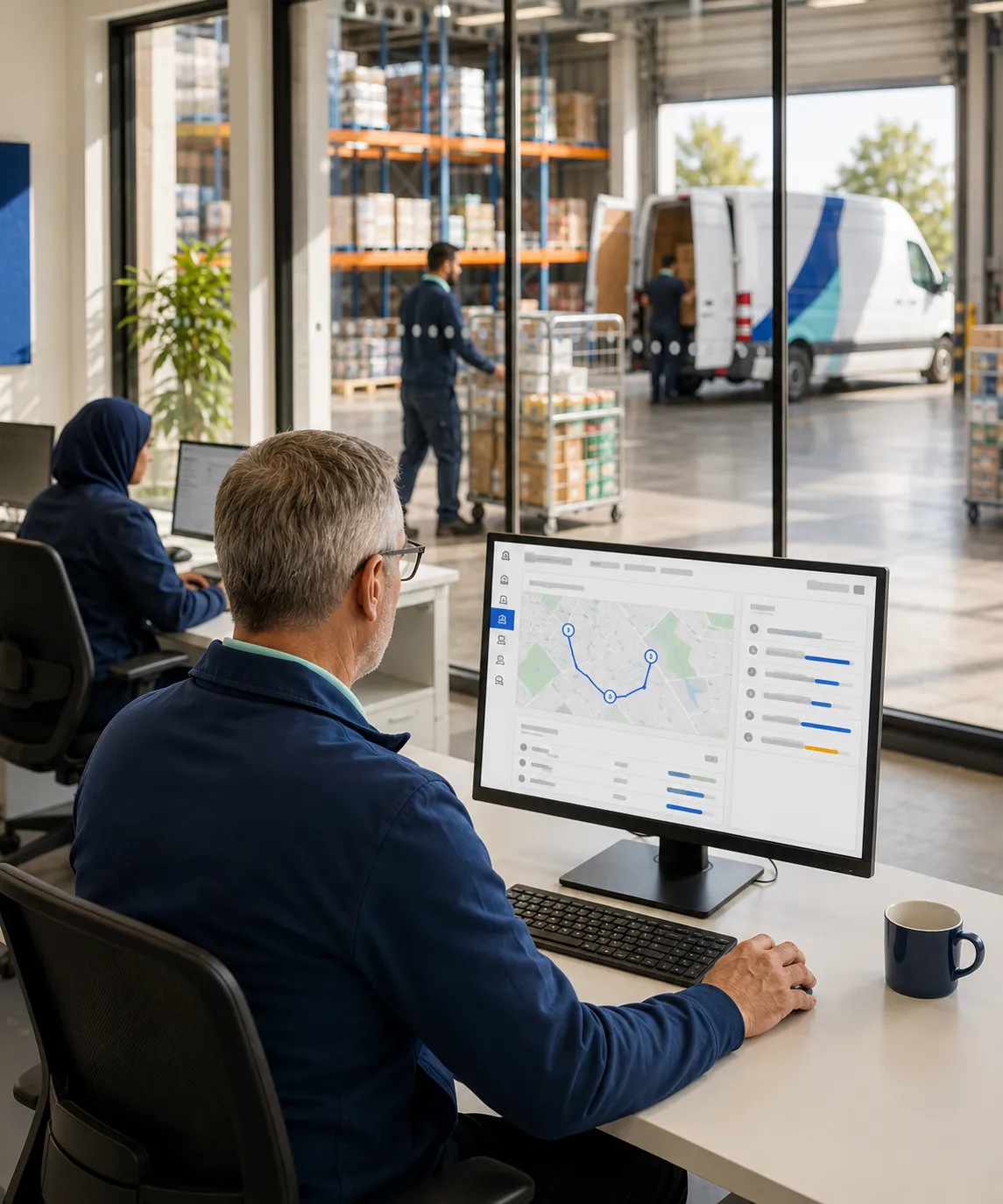
The desk where your office team runs order capture, route planning, fulfilment, dispatch, monitoring, invoicing and accounting sync, in one screen.
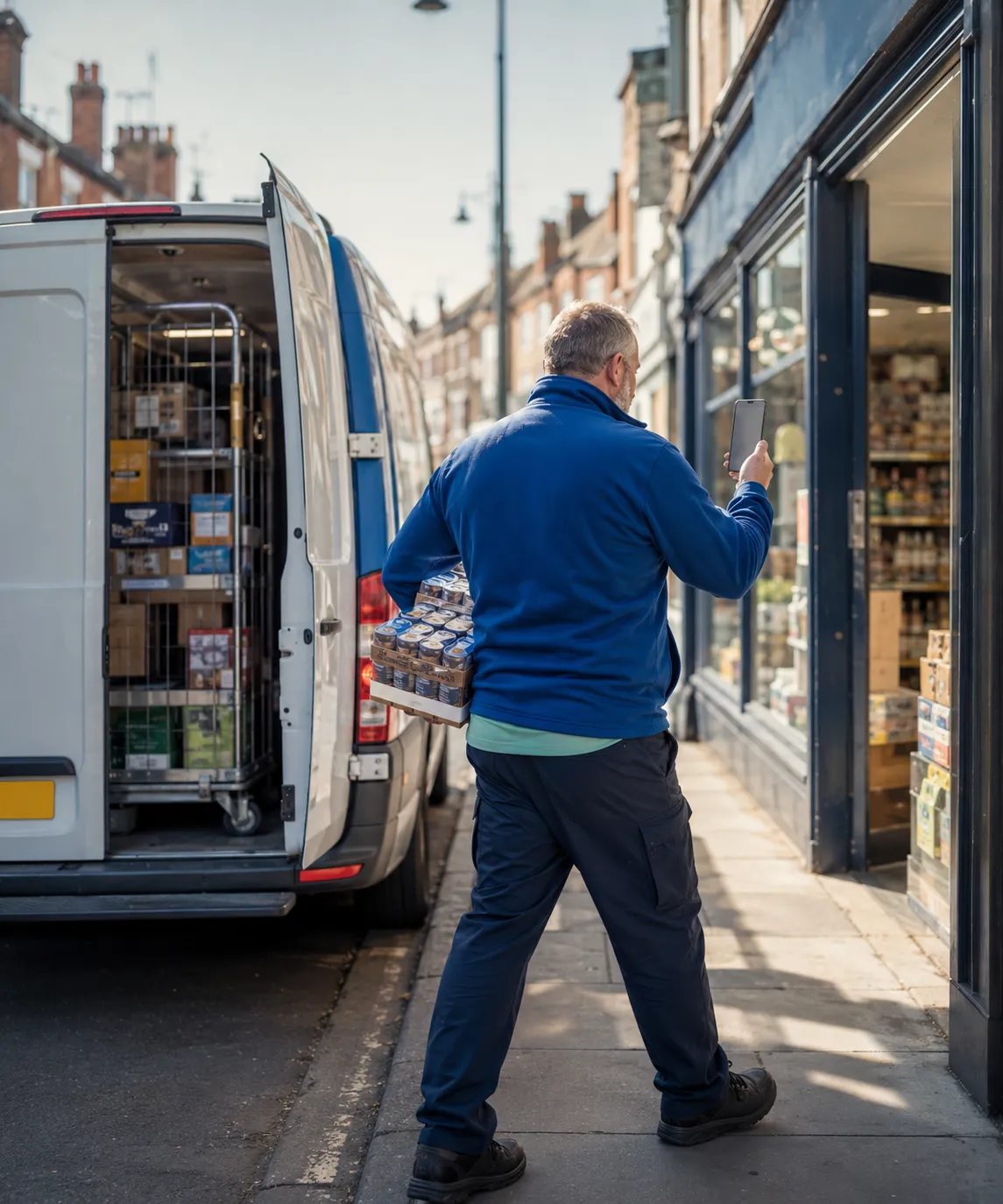
Van loading to end-of-day reconciliation on a single device: navigation, delivery, van sales, ePOD and payment, with full offline support.

The whole depot floor on one handheld: pick, load, receive POs, inter-warehouse transfers and blind stock takes, role-gated and offline-tolerant.
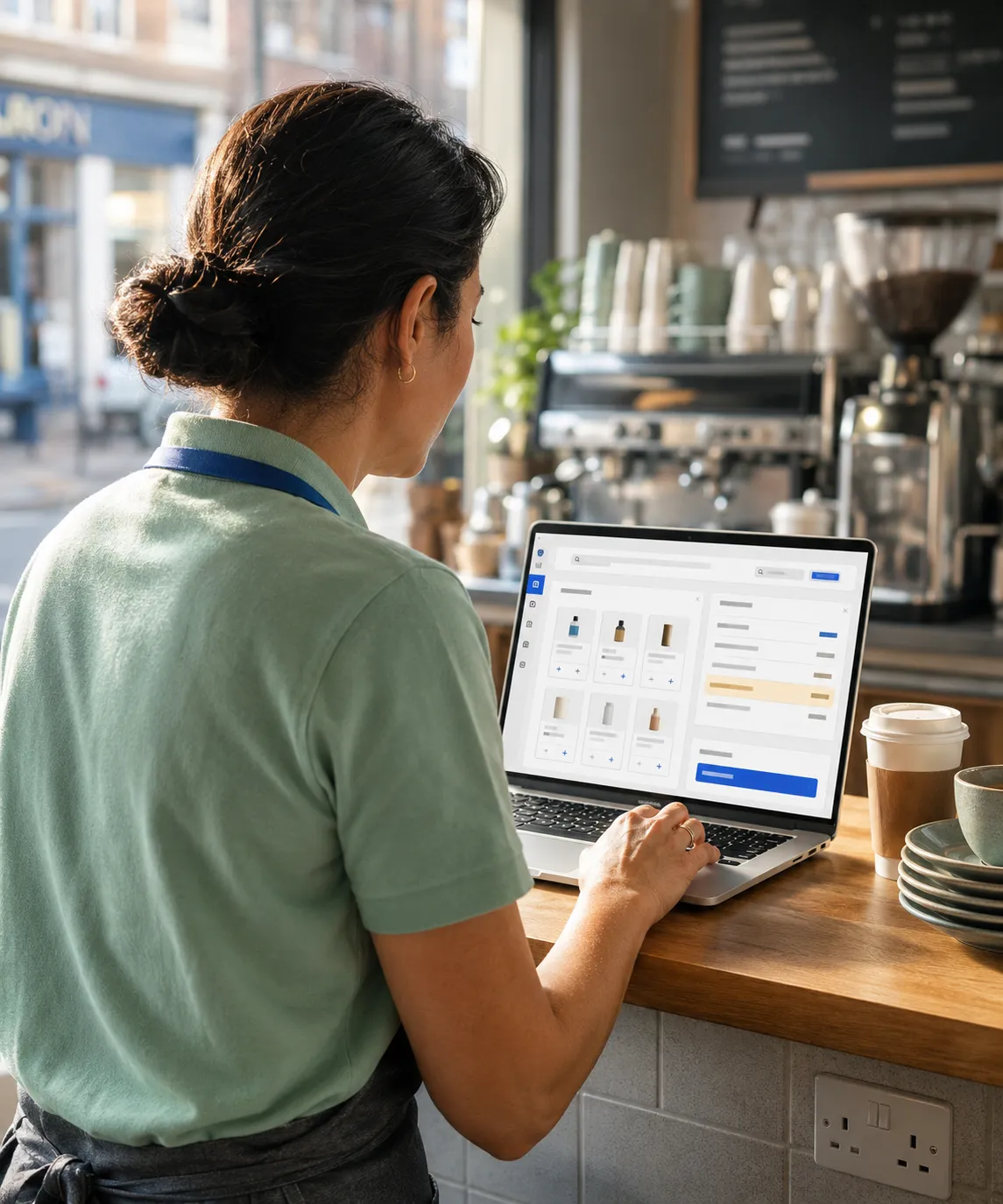
Self-service for your B2B customers. Browse your catalogue, place and reorder, view statements, and pay online. No phone calls, no chasing.

White-labelled D2C mobile app where customers browse, pay in-app and track delivery, while every order drops straight onto your existing routes.
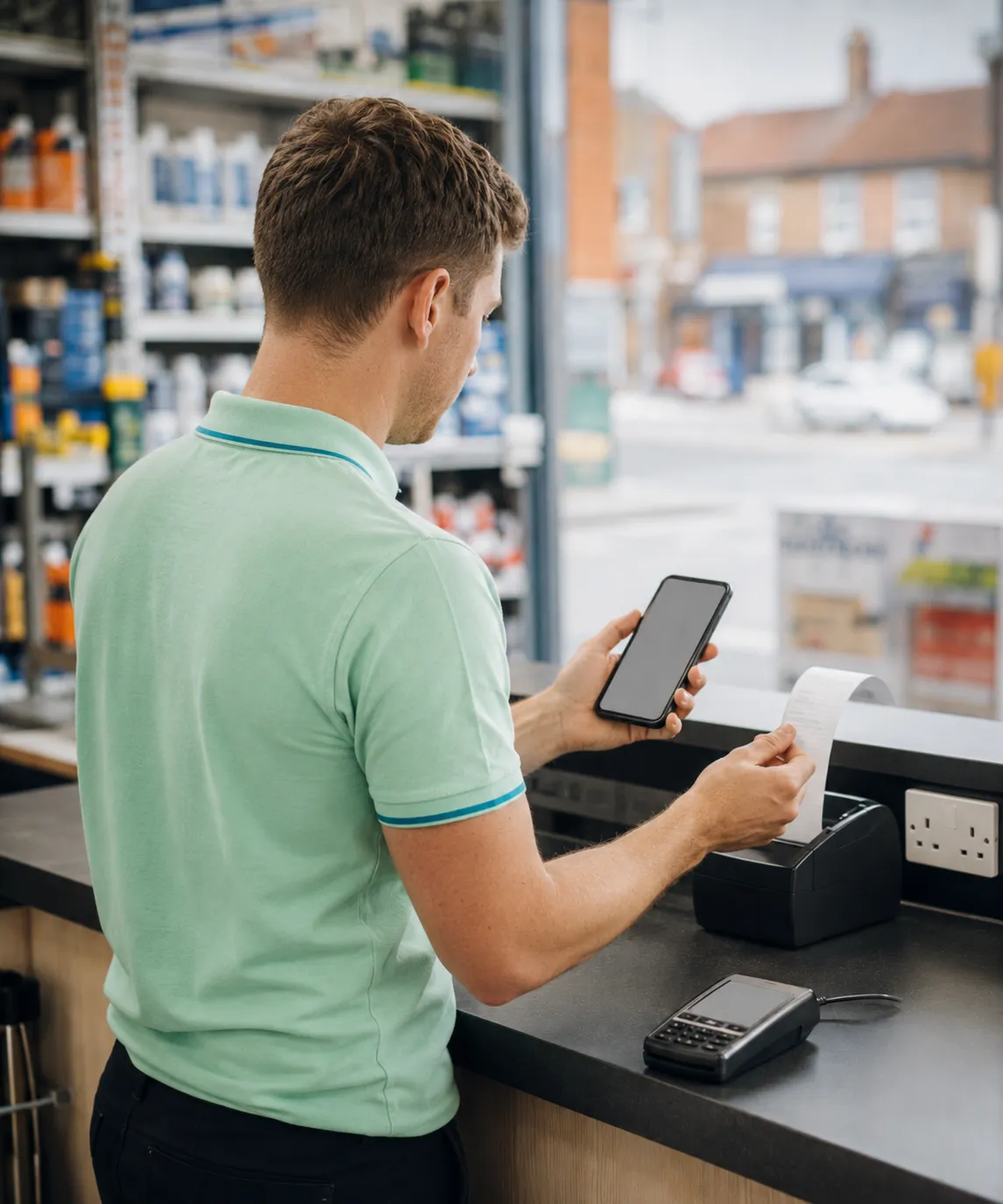
Run trade counters, branch sales, pop-ups and self-service kiosks on the same customers, pricing and stock as the rest of the platform.
Most operations stacks bolt together a different vendor for each app: one for orders, one for the warehouse, one for the driver, one for finance. RouteMagic ships them as one. Here’s what that means in practice.
A change made in the Back-Office is live in the Portal, Consumer App and on the driver’s phone instantly. No overnight sync, no version drift.
Update a price once and it’s live everywhere: telesales screen, customer portal, D2C app, POS and the driver app. No pricing files to email.
Warehouse picks, driver van stock, back-office availability and consumer-app inventory all read from the same view, so the day’s plan is the day’s reality.
RouteMagic is one operating platform of six purpose-built apps (Back-Office, Driver, Warehouse, Customer Portal, Consumer and POS) that share one customer, product and stock spine. Order capture, warehouse, route delivery, retail POS, D2C and accounting run on the same source of truth, so nothing is re-keyed between teams.
No. Start with the apps your operation needs today (most teams begin with the Back-Office plus the Driver or Warehouse app) and add the others as you grow. Because they share one data spine, switching an app on is configuration, not a new integration.
Both, but it was engineered for the harder end first. RouteMagic was designed from scratch to handle the complexity mid-market and enterprise distributors run into — multiple sites and legal entities, multi-channel selling, per-customer pricing and promotion structures, batch and expiry traceability, and hundreds of users across office, warehouse and field. Because that complexity is configuration rather than custom work, the same platform stays simple and practical for a smaller distributor: you switch on what you need, pay per user, and the capability is already there when you grow into it.
They read and write the same live data. A price change in the Back-Office is instantly live in the Customer Portal, Consumer App and on the driver’s phone, with no overnight syncs, no version drift, no files to email. The driver and warehouse apps also keep working offline and sync on reconnect.
A typical stack bolts together a different vendor for orders, warehouse, delivery and finance, then pays to integrate and maintain the joins. RouteMagic ships them as one platform, so there are no integrations to babysit and the data is consistent by design.
RouteMagic connects to Xero, QuickBooks, Sage 50, Sage 200, Tally, Zoho Books and Microsoft Dynamics 365 for accounts, plus Stripe and EchoPay for payments, Google and HERE for mapping, WhatsApp, SMS and email for messaging, and WooCommerce and Shopify for eCommerce. Over 20 in total, with the REST API for anything else.
Thank you
Your request has been received.